Upload a 360° panorama of an empty room and Apply Design furnishes the whole space — in every direction. See real staged rooms below.
Try it outNo editing skills needed — the staging is done for you.
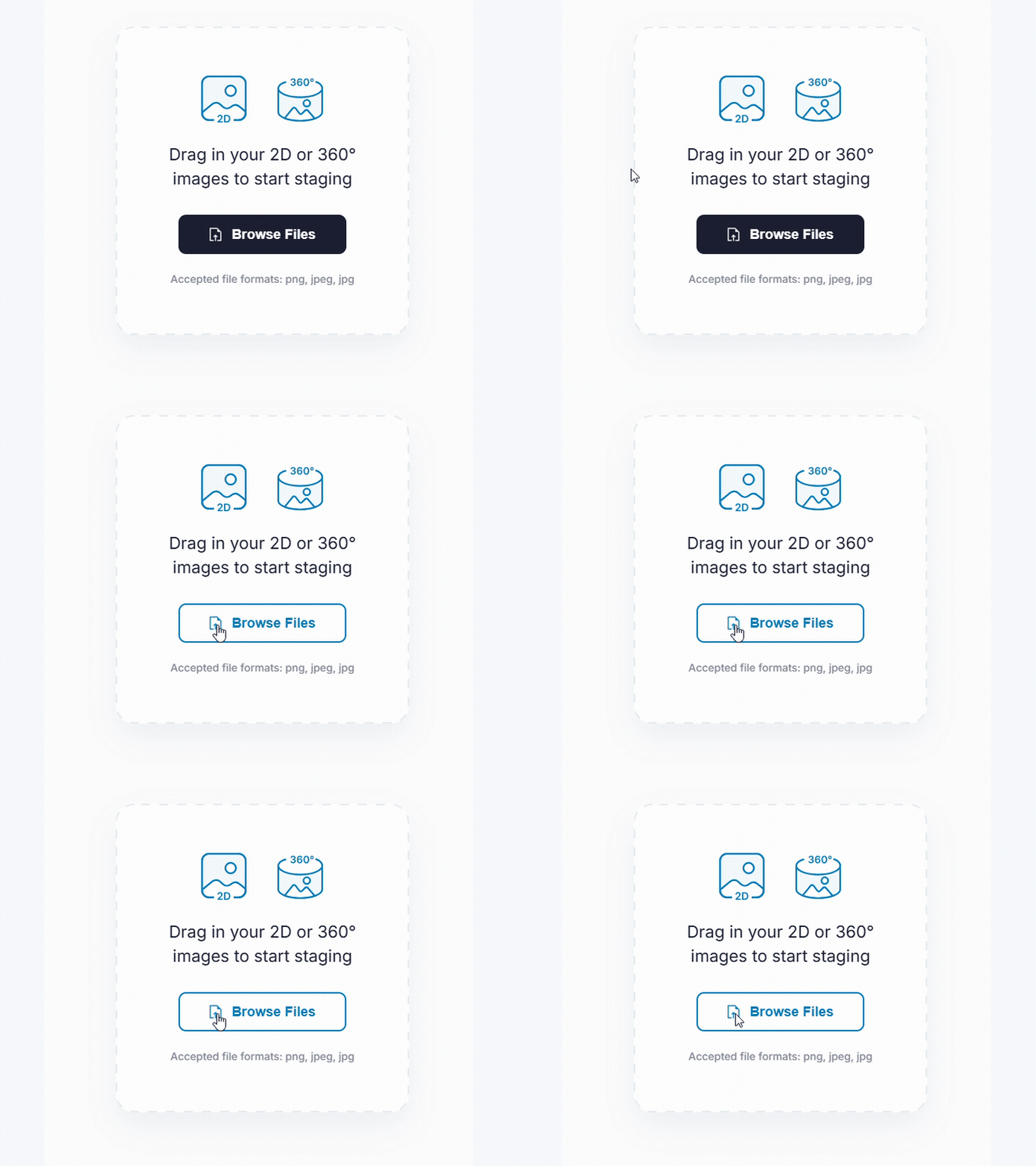
Add your 360° photo — Apply Design detects 360° images automatically.
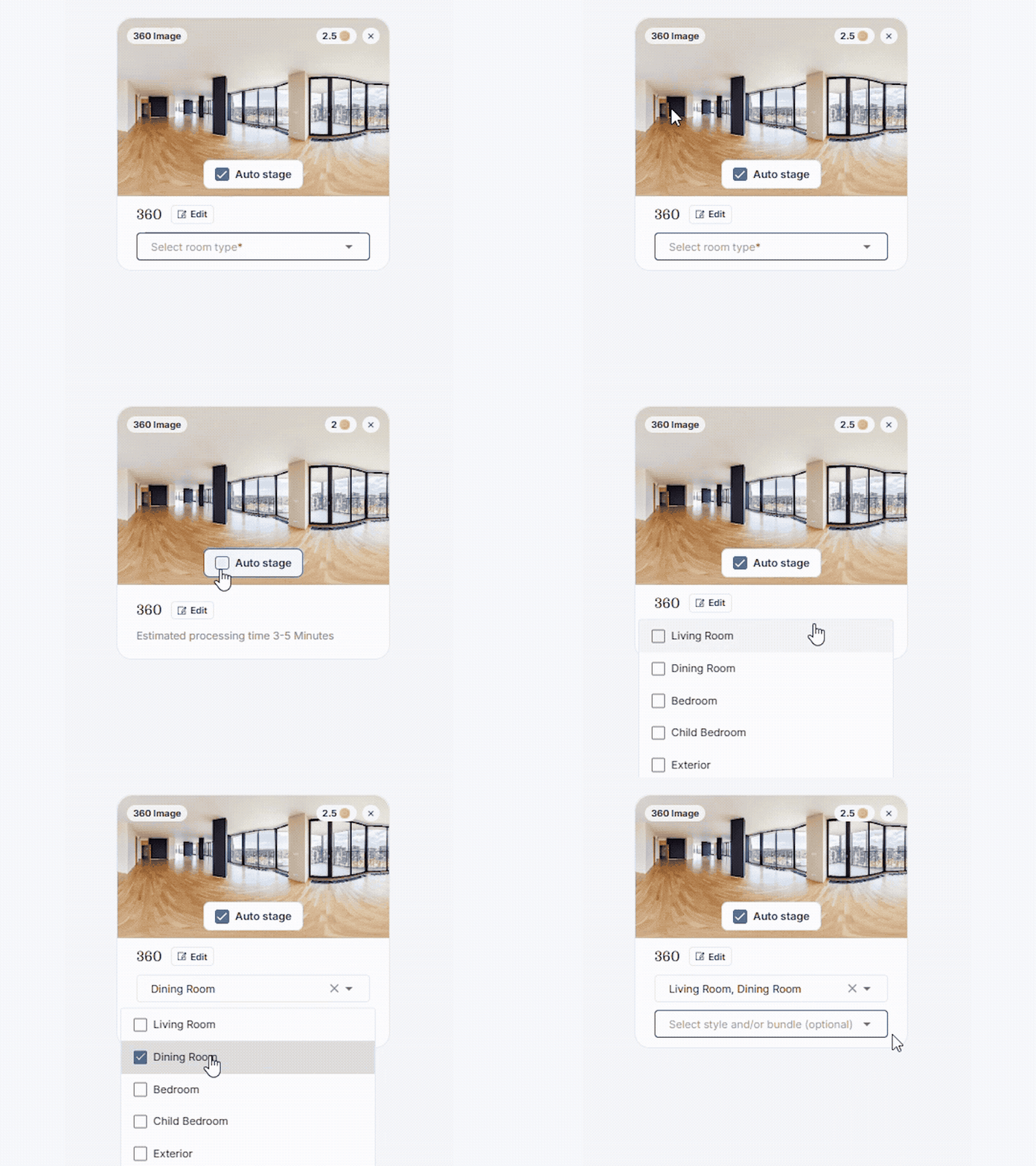
Auto Stage is turned on for you by default — keep it, or switch it off to stage the room yourself.

With Auto Stage on, pick a design style and upload. With it off, just upload and stage it yourself.
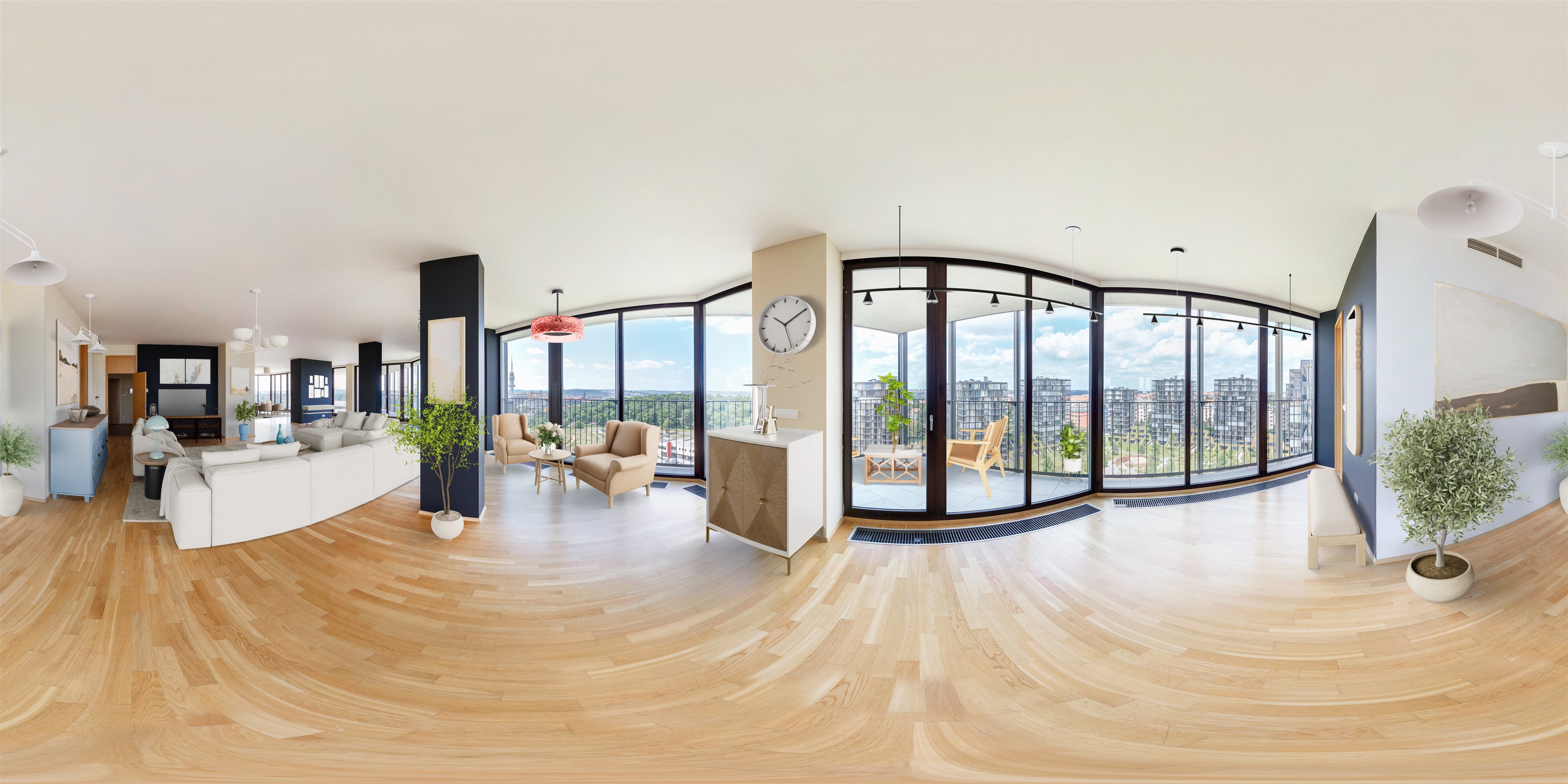
Each room is furnished across the entire panorama. Watch the pan to look around, then see the full 360° image you download for your tour.

Look around the staged living room

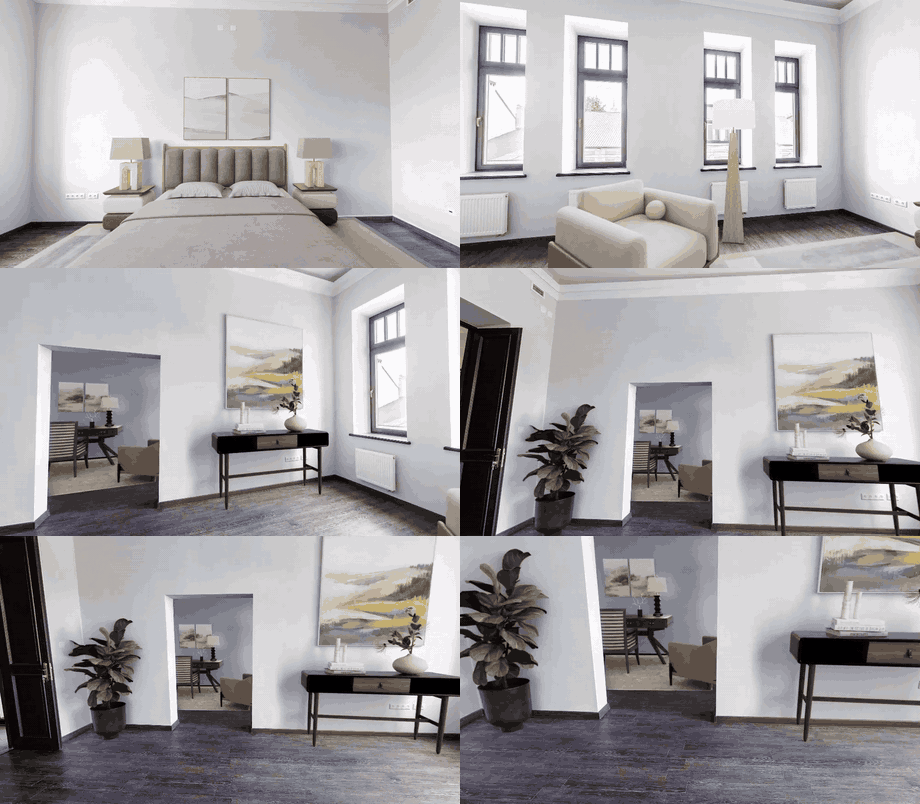
Look around the staged master bedroom


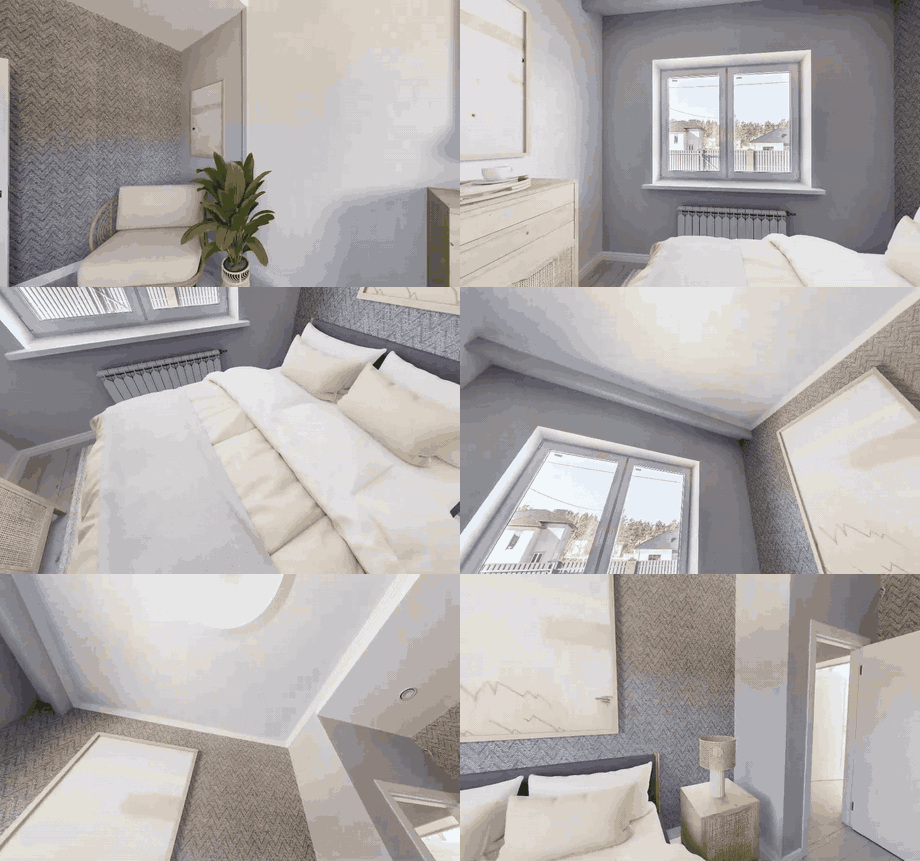
Look around the staged guest bedroom
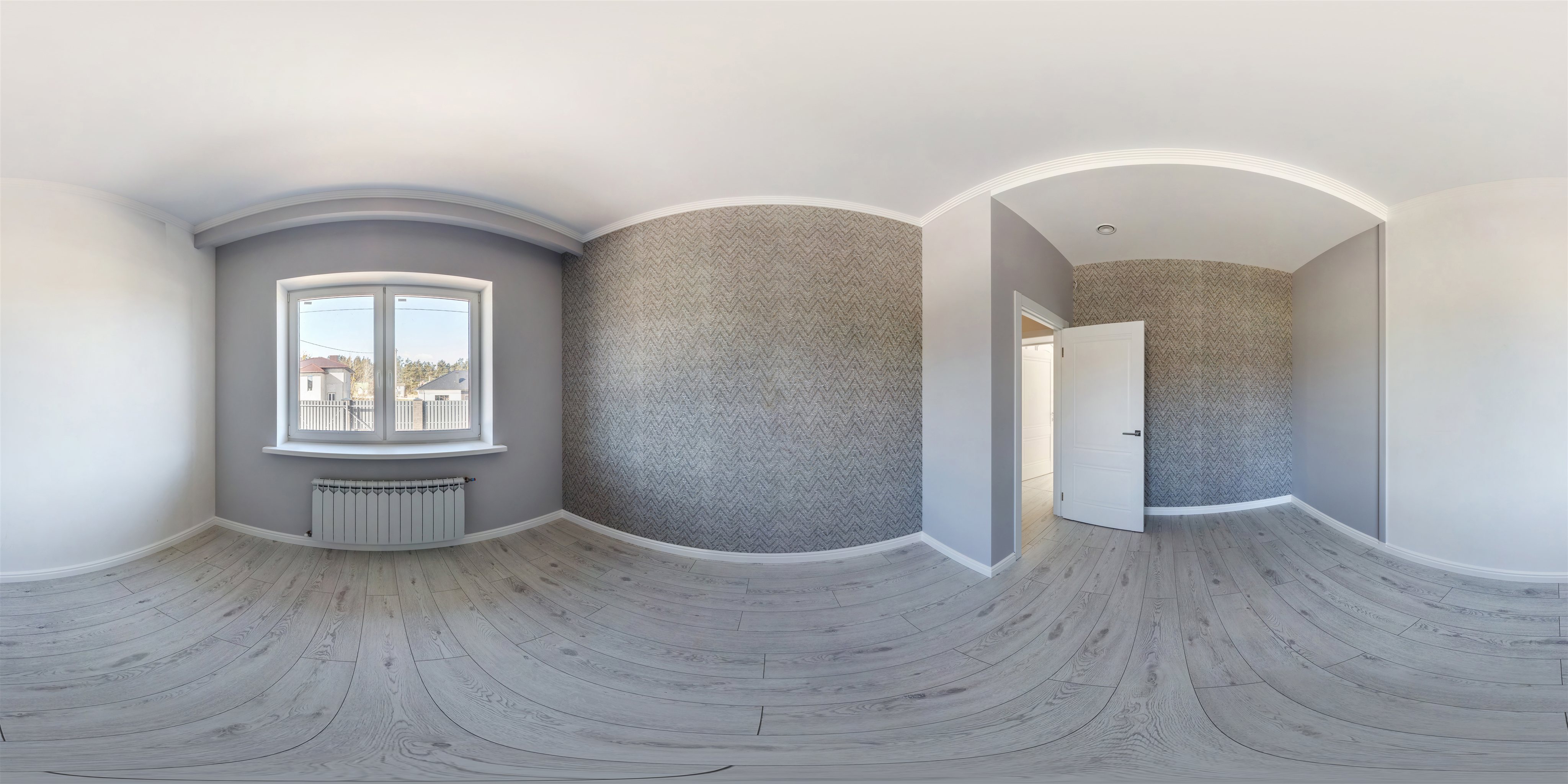
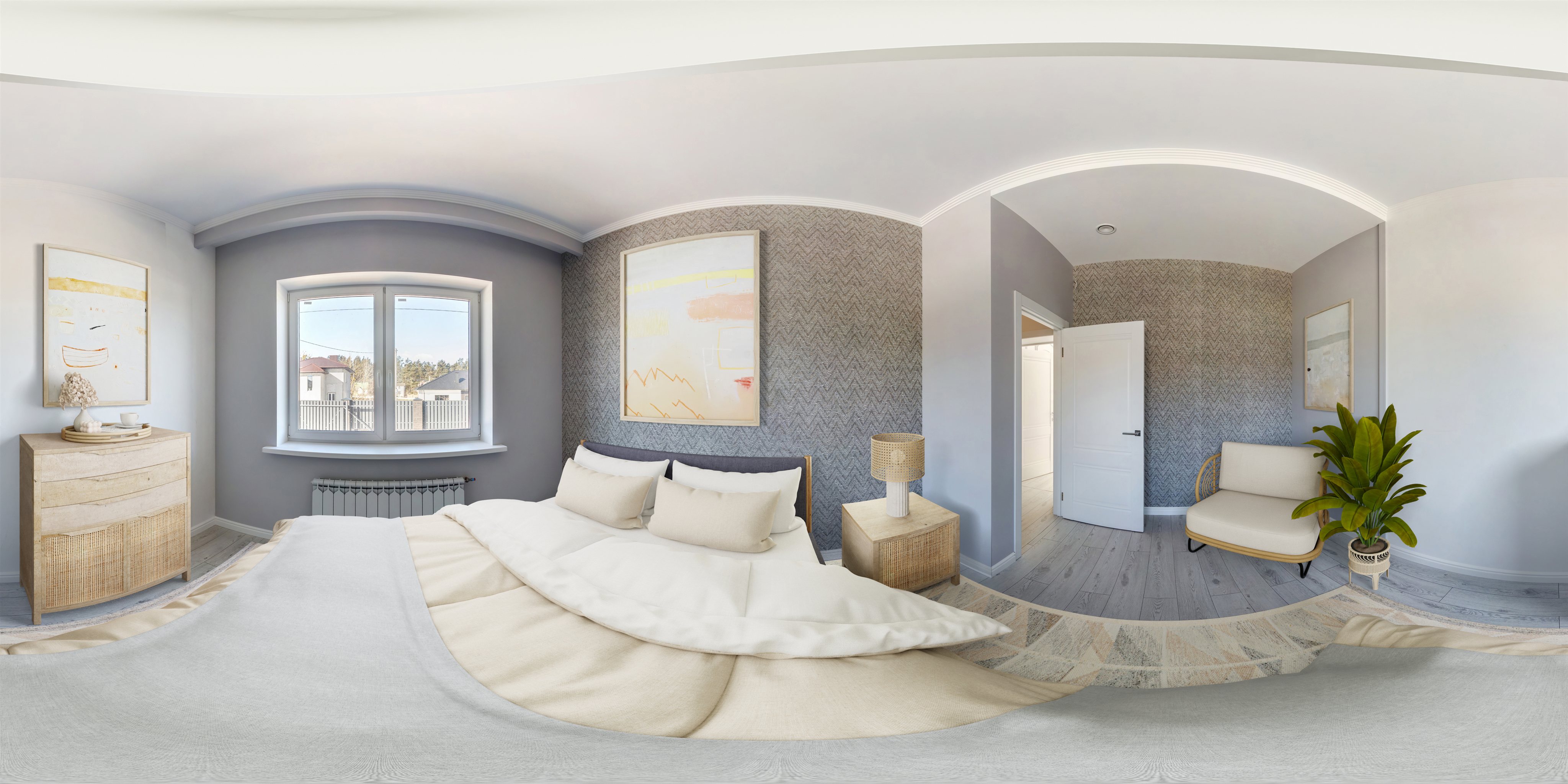
Upload your 360° (equirectangular) photo. Apply Design detects it automatically and, with Auto Stage on, you just pick a style and upload — the whole panorama is furnished for you.
It's an equirectangular panorama that captures a room in every direction at once, so viewers can look all around. Apply Design stages the entire panorama.
Yes. You download the staged 360° image as a panorama and add it back into your 360° tour so buyers can look around the furnished room.
No. With Auto Stage on, the room is furnished for you — just choose a style. You can also switch Auto Stage off and stage it yourself.


