AI Furniture Removal

Remove furniture from real estate photos in one click

Apply Design is an AI virtual staging tool that removes furniture and empties rooms in real estate photos in minutes — no editing skills required. Upload a listing photo and our AI deletes furniture, clutter, and décor while keeping walls, floors, and lighting photorealistic.

Start your free trial
Before Living room with furniture before AI removal
Before furniture removal
After Empty living room after AI furniture removal
After furniture removal
How it works

How to remove furniture from a listing photo

No Photoshop, no manual editing, no design experience needed.

1

Upload

Upload a clear, well-lit photo of the room.

2

Remove

Our AI automatically detects and removes furniture, rugs, art, and clutter.

3

Download

Get the clean, empty-room photo in minutes, ready to re-stage or list.

Before Bedroom with furniture before AI removal
Before furniture removal
After Empty bedroom after AI furniture removal
After furniture removal
Empty any room

Empty a room in real estate photos — automatically

Cluttered or oddly furnished rooms distract buyers. Apply Design's AI empties a room so the space looks larger, cleaner, and more move-in ready. It works on living rooms, bedrooms, kitchens, offices, and outdoor spaces, removing:

  • Furniture and large appliances
  • Rugs, curtains, and wall art
  • Personal items and clutter
Fast & precise

Fast, precise AI furniture removal for agents and photographers

Built for real estate agents and photographers who need speed and volume.

  • Speed: get results in minutes, not hours
  • Precision: AI keeps room structure, lighting, and shadows photorealistic
  • Included in your image: furniture removal comes with your upload — no extra charge, just select it
Try for free
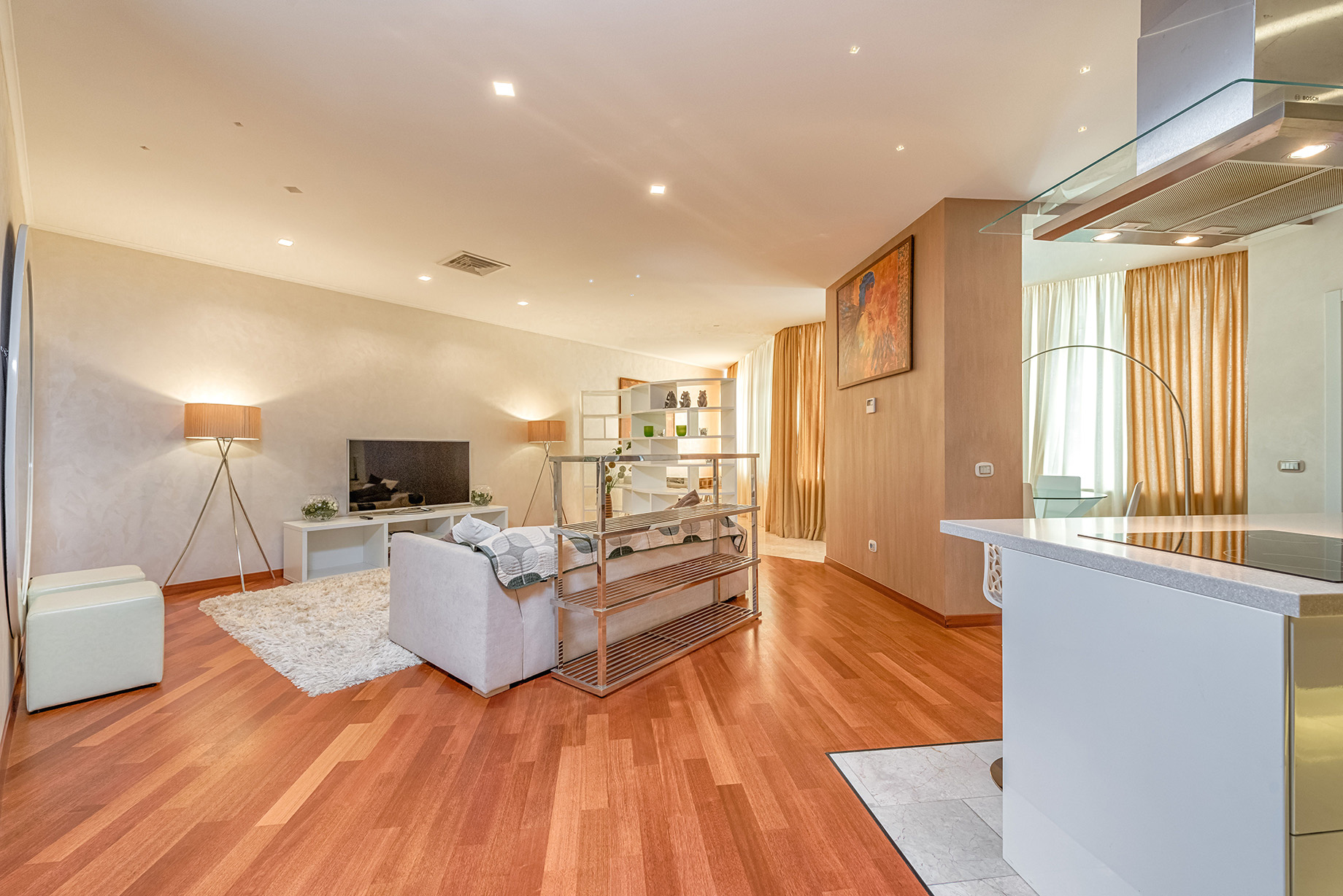
Before Open-plan living and kitchen with furniture before AI removal
Before furniture removal
After Empty open-plan living and kitchen after AI furniture removal
After furniture removal
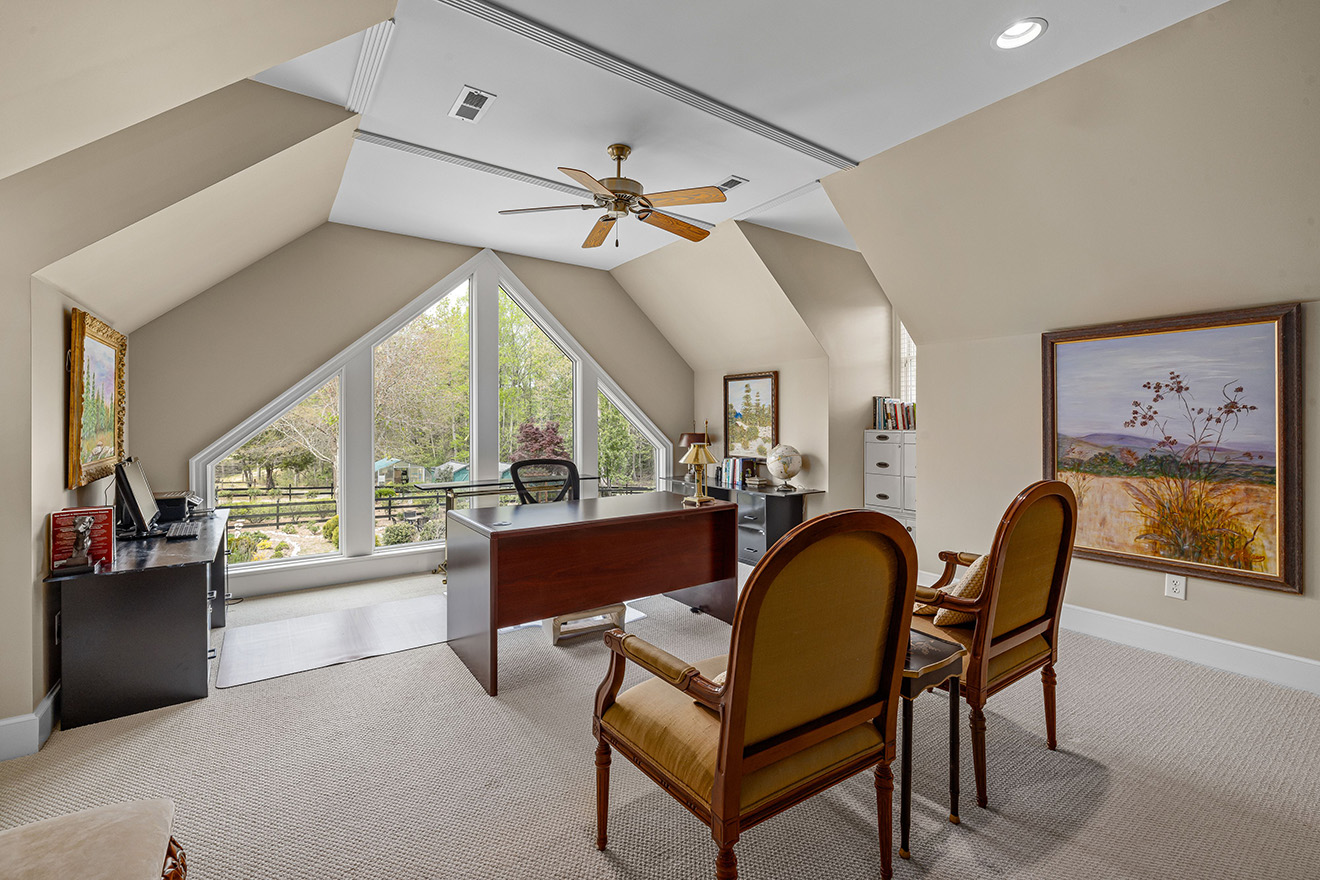
Before Home office with furniture before AI removal
Before furniture removal
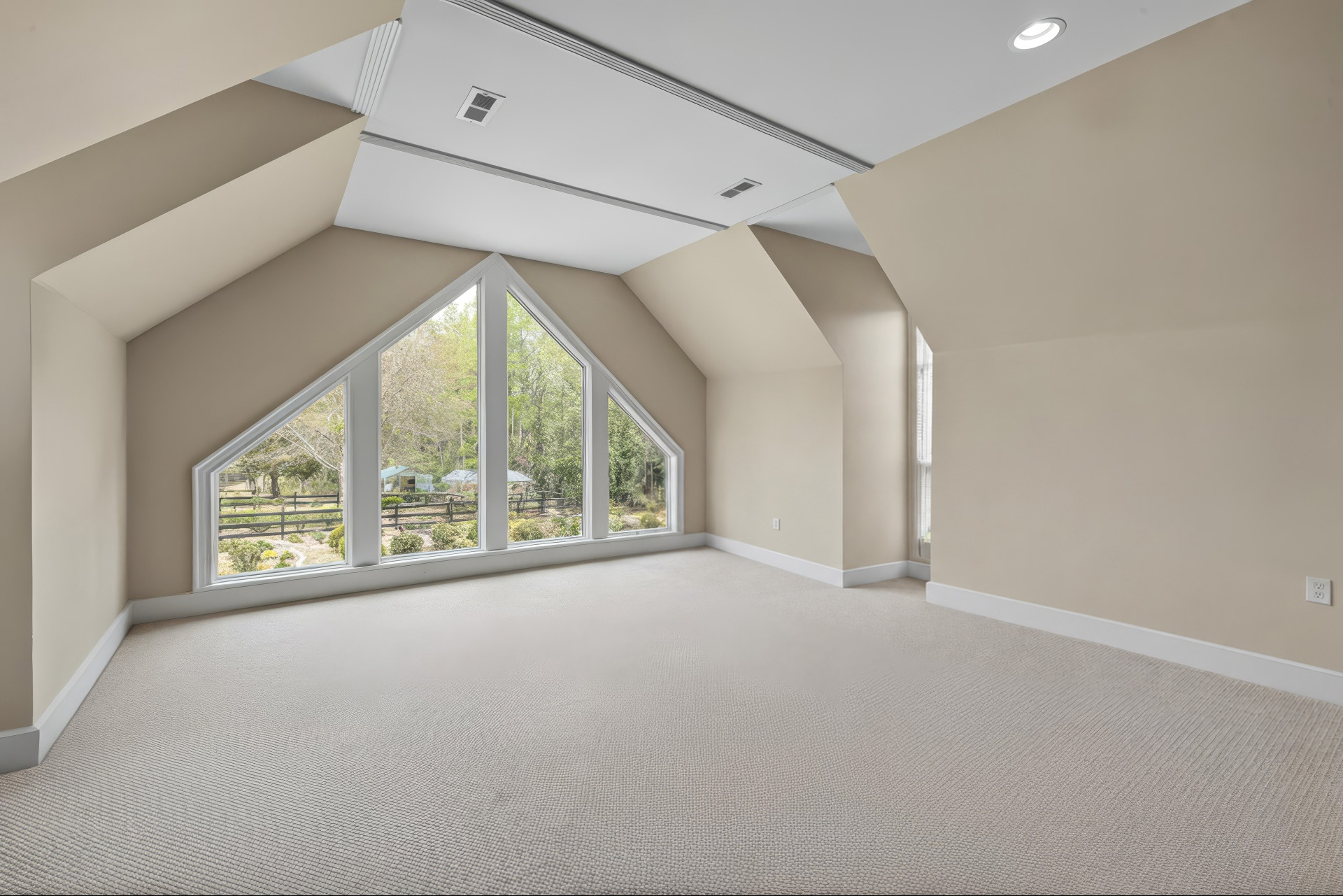
After Empty home office after AI furniture removal
After furniture removal
One workflow

Remove furniture, then re-stage in one tool

After removing furniture, instantly re-stage the empty room with Auto Stage — add realistic furniture in any style automatically, or place it yourself with the DIY editor. One workflow: empty the room, then re-stage it for the listing.

Try it out
FAQ

Frequently asked questions

How do I remove furniture from a real estate photo?

Upload the photo to Apply Design, select the Remove items option, and our AI removes the furniture automatically in minutes. Then download the empty-room image.

Can AI empty a room in a listing photo?

Yes. Apply Design's AI detects and removes furniture, rugs, art, and clutter from real estate photos, leaving a clean, empty room while keeping walls, floors, and lighting photorealistic.

How fast is AI furniture removal?

Apply Design processes each photo in minutes — fast enough for high-volume real estate listings and photographers.

How much does it cost to remove furniture from listing photos?

Furniture removal is included with your image on Apply Design — there's no extra fee. Just select it when you upload. You can start with a free trial.

Can I remove furniture and then add new furniture?

Yes. After removing furniture, use Auto Stage to add realistic new furniture in any style automatically — or the DIY editor to place furniture yourself. Empty and re-stage a room in one tool.

Is there a free trial for AI furniture removal?

Yes. You can try Apply Design's AI furniture removal free — start your free trial with no commitment.

Empty your first room free

Upload a listing photo and see the before & after in minutes. No credit card needed.

Try for free