Upload your photos and Apply Design builds a polished listing video — with narration, captions, and music — ready for Reels, TikTok, YouTube, and your website. No editing skills, done in minutes.
Try it for freeUse any photos you like. Your own listing photos, photos you've already staged, or ones you just staged here on Apply Design — whatever you want to show, add them and go.
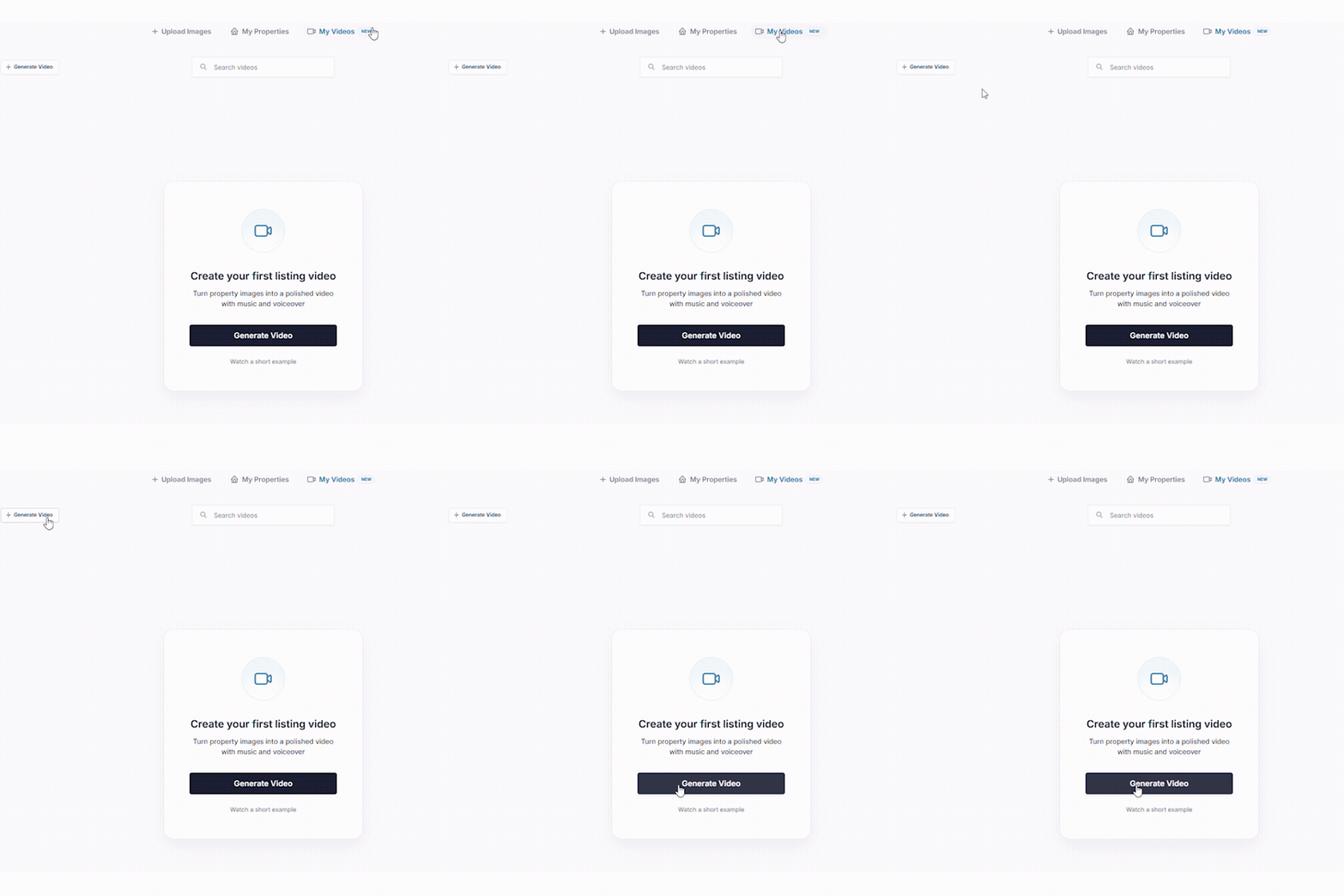
Go to the My Videos tab and start generating a new video.
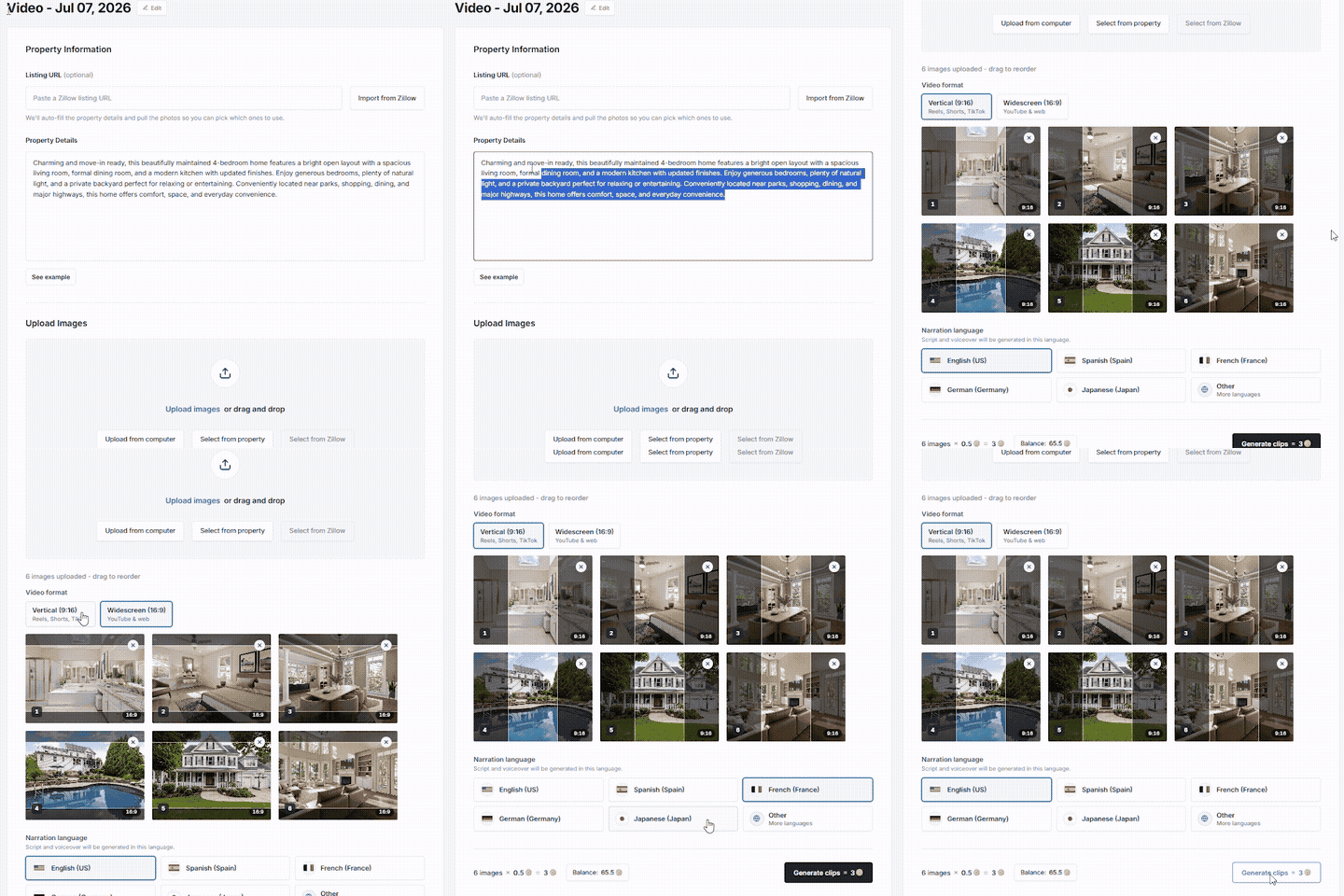
Paste a Zillow link to auto-fill, or type the details yourself — then add your photos.
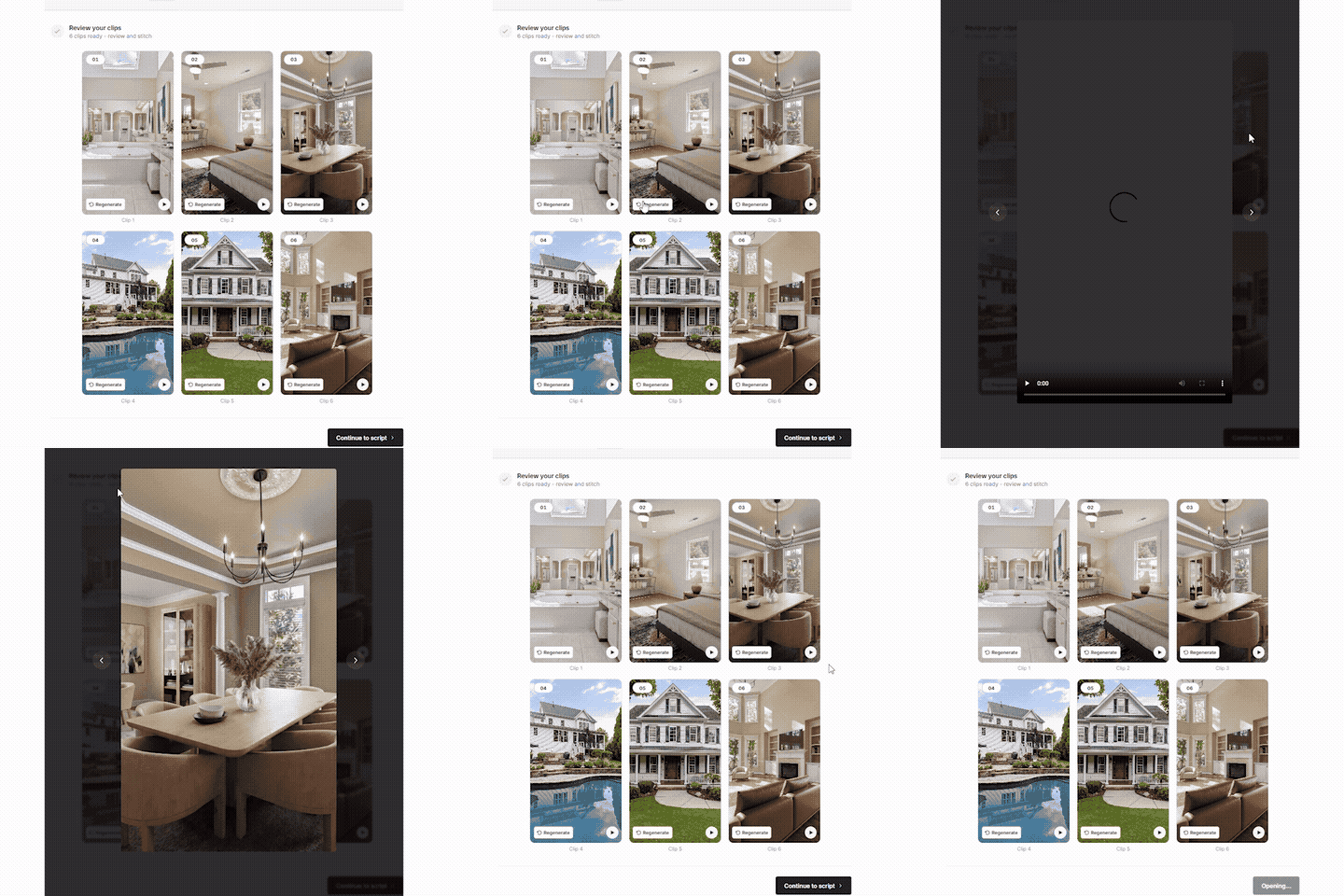
Check the generated clips, adjust their order, and regenerate any clip you want.
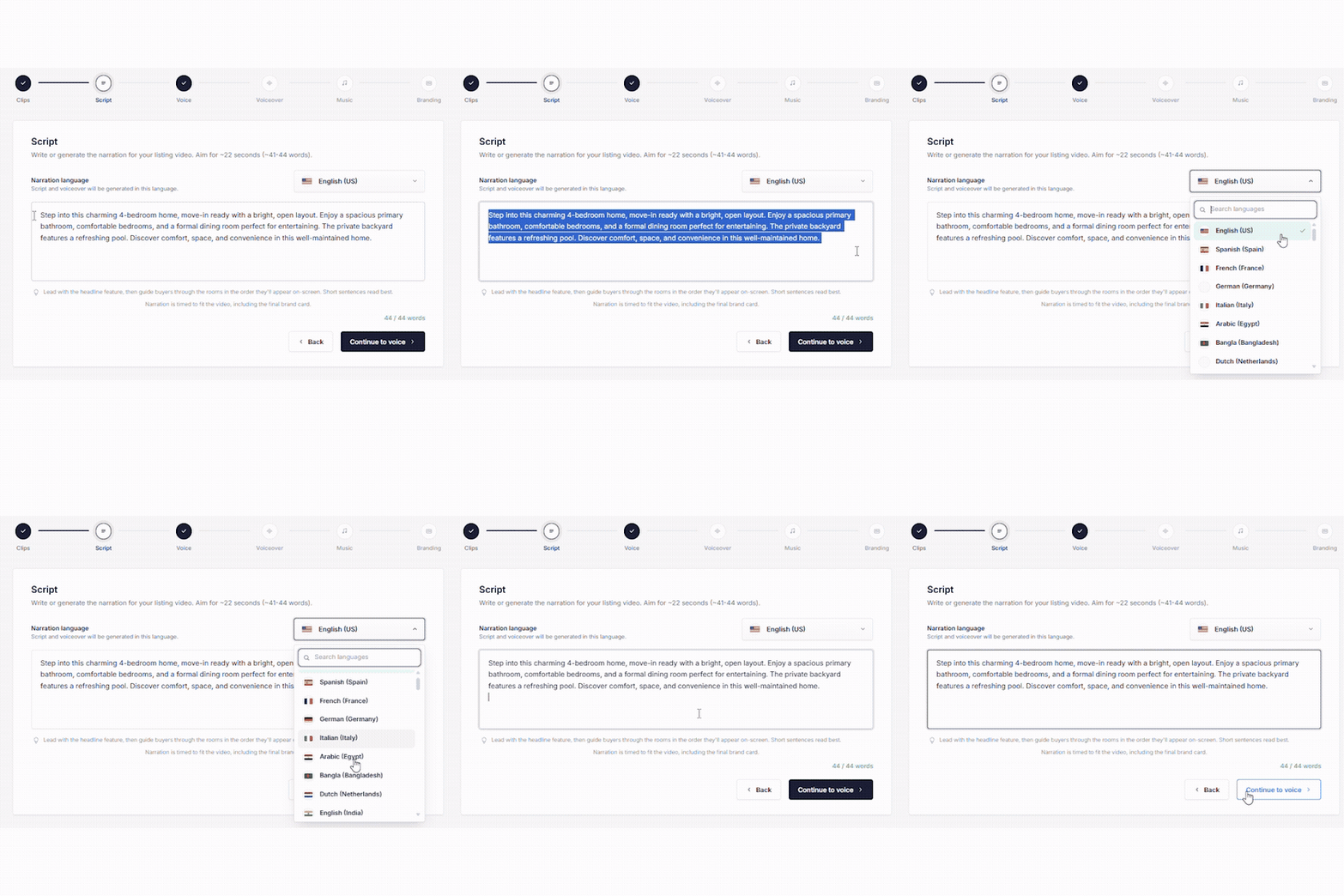
Apply Design writes the narration script for you automatically — re-adjust it or write your own. Keep it within the word limit for the video length, and set the format and language.
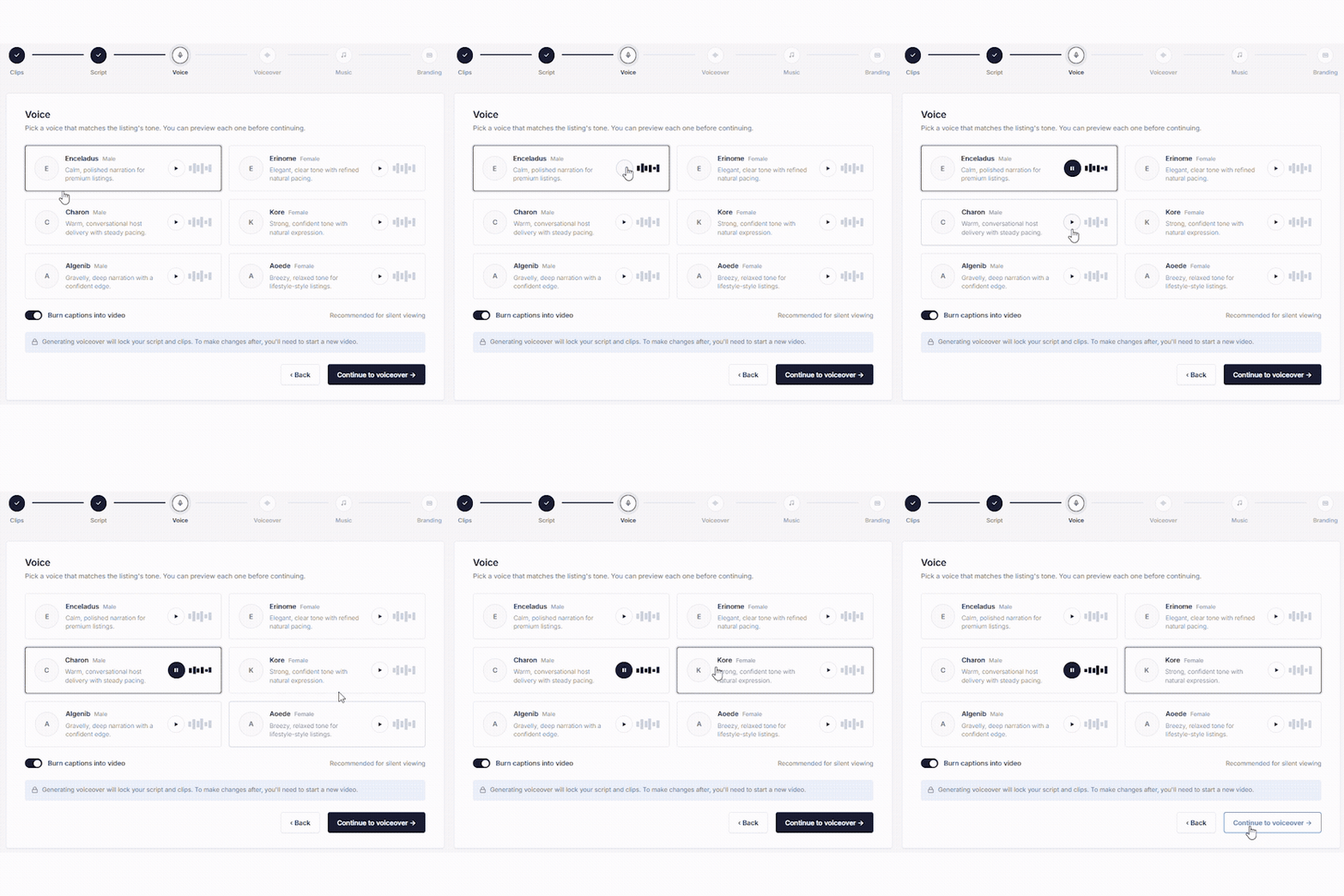
Choose the narration voice for your video.

Preview the voice to make sure it sounds right.
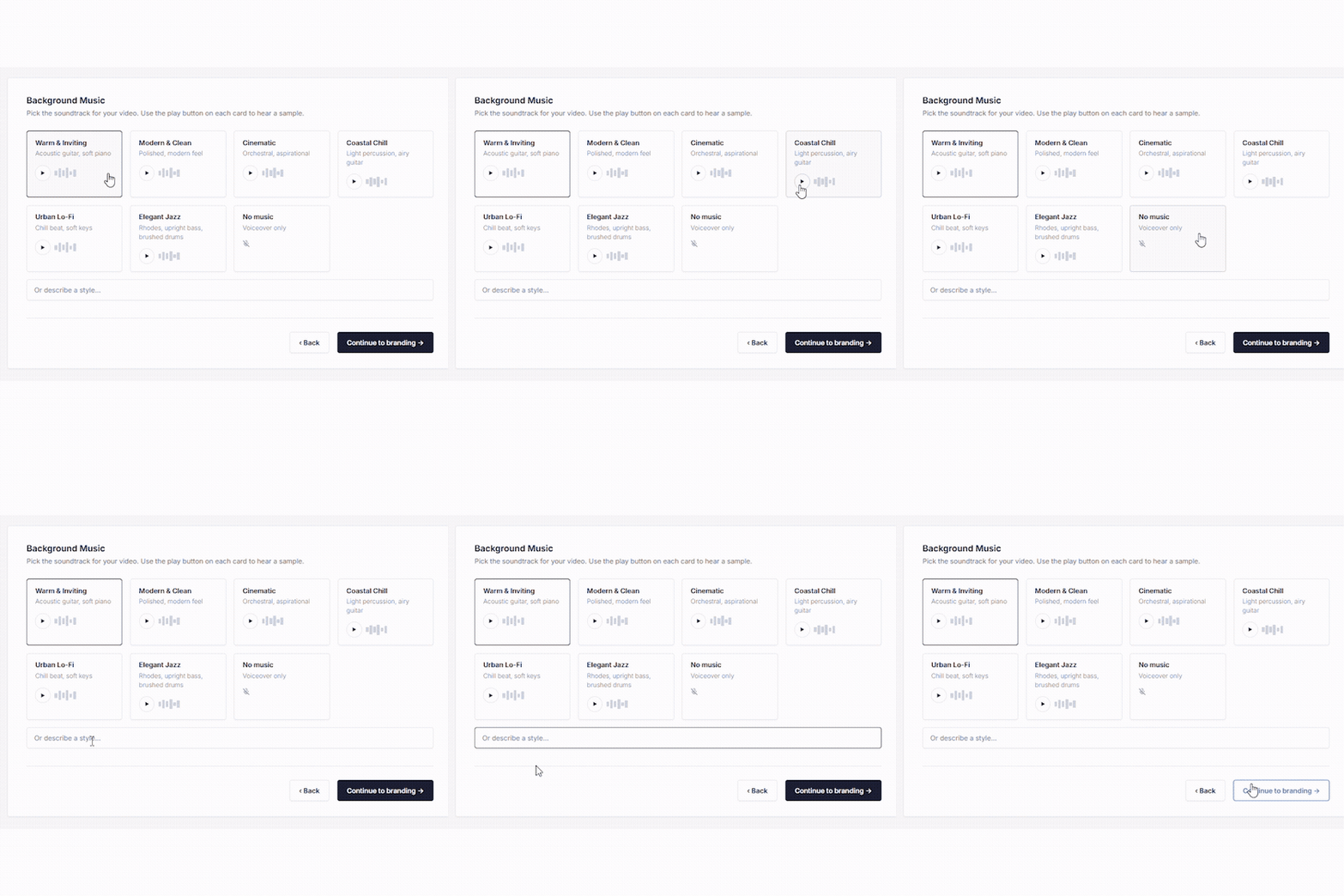
Pick a music track, or choose no music.
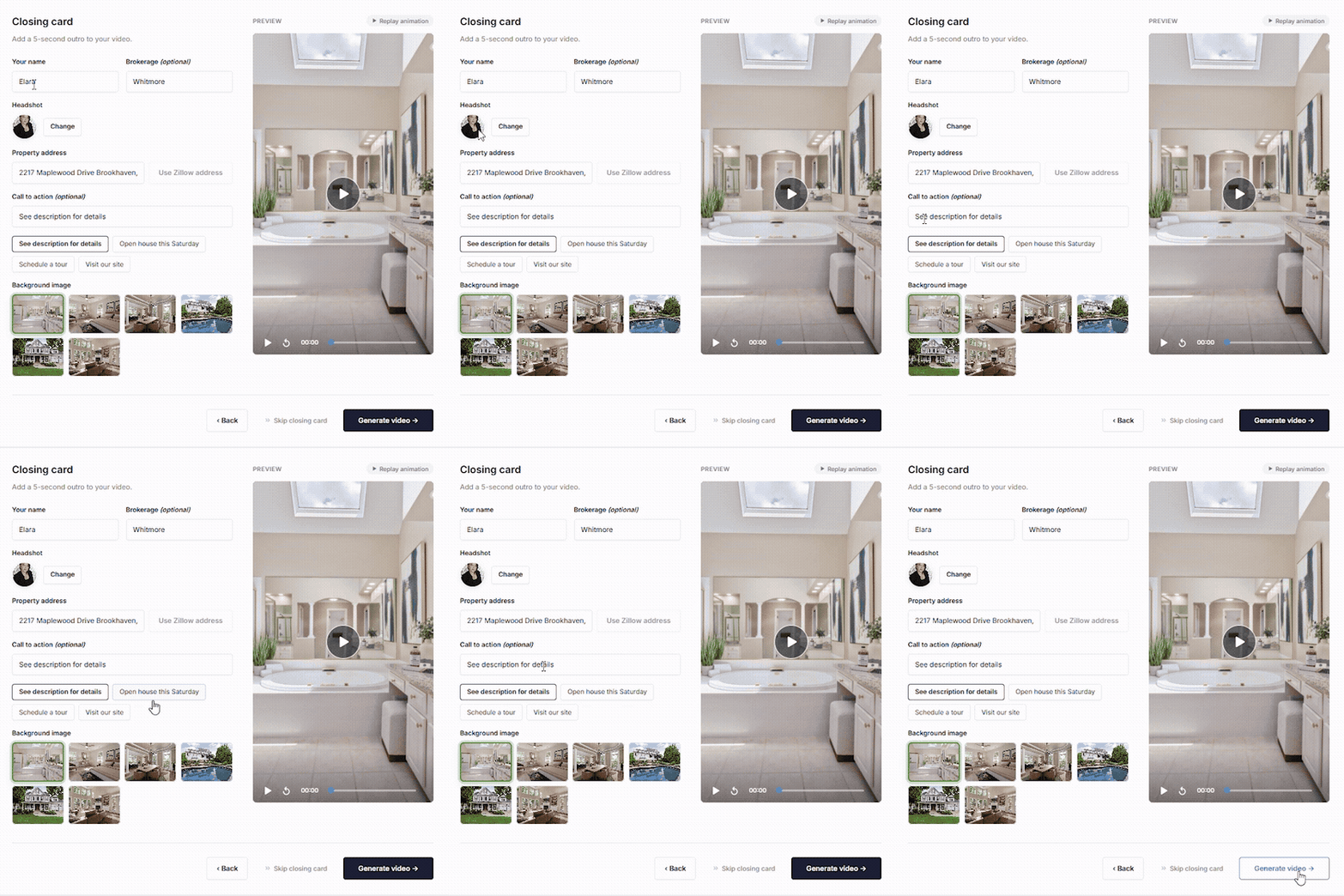
Add a closing card, render, then download or share.
Auto-written narration you can edit, in 80+ languages.
Preview and pick the voice that fits your brand.
Burned-in captions for silent autoplay on social — on or off.
Choose from preset tracks or describe your own style.
9:16 for Reels/TikTok, 16:9 for your website.
Your name, brokerage, and call-to-action at the end.
Add your property (or paste a Zillow link), upload 3–15 photos in order, pick a format and language, then generate. Customize the script, voice, captions, and music, add a closing card, and render — your video is ready in minutes.
Between 3 and 15 photos. More photos make a longer video — roughly 16 seconds for 3 photos up to about a minute for 15.
Vertical (9:16) for Instagram Reels, TikTok, and YouTube Shorts, or widescreen (16:9) for your website and listings.
Yes. You can re-edit the script, voice, music, and branding without starting over.
Clips generate in about 1–3 minutes and the final video renders in roughly 2–3 minutes.


