Auto Stage

Stage your property automatically — no design skills needed

Auto Stage furnishes your listing photos for you. Upload an empty room, pick a room set and style, and get photorealistic staging in minutes — no designer, no editing skills, no software to learn.

Try for free
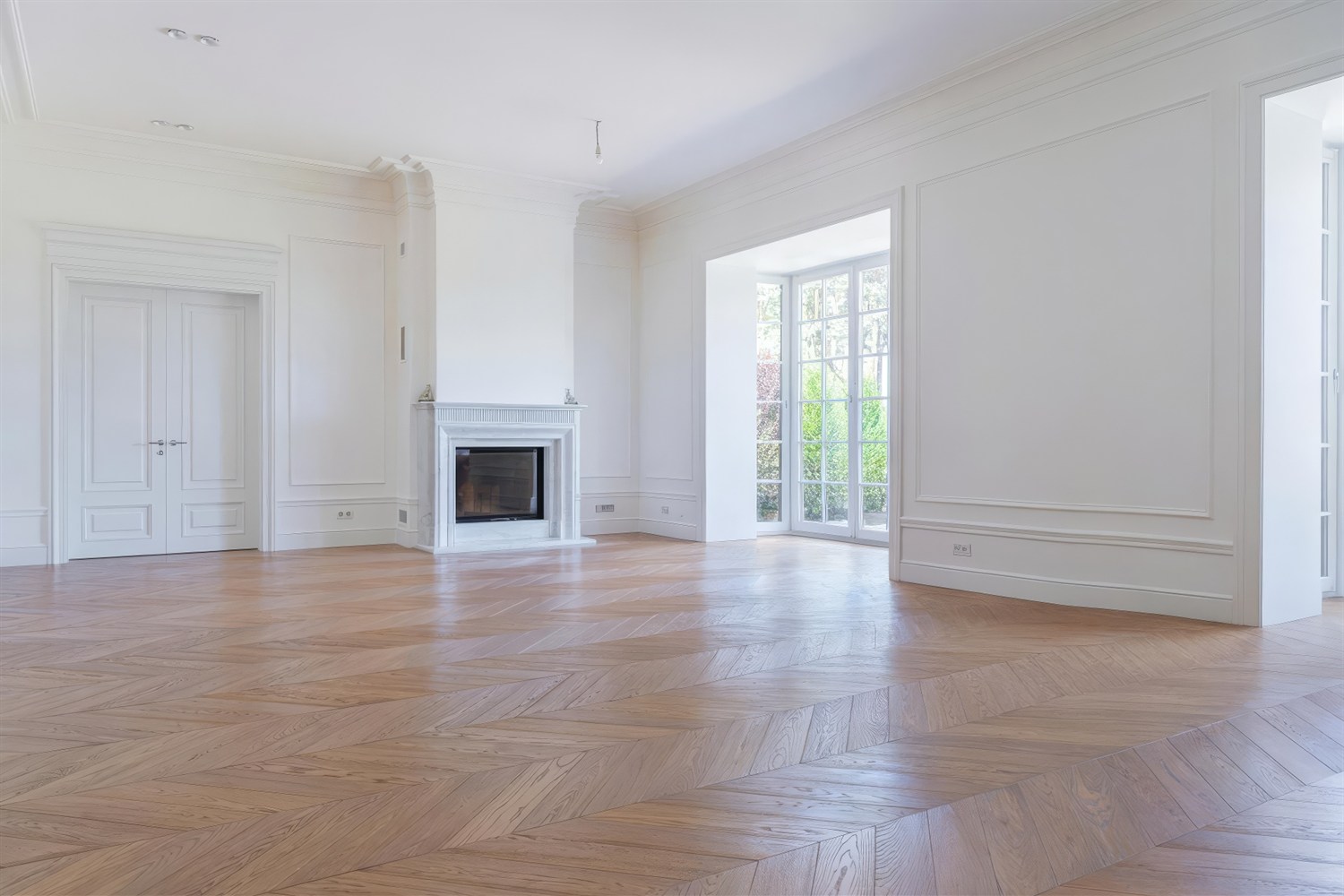
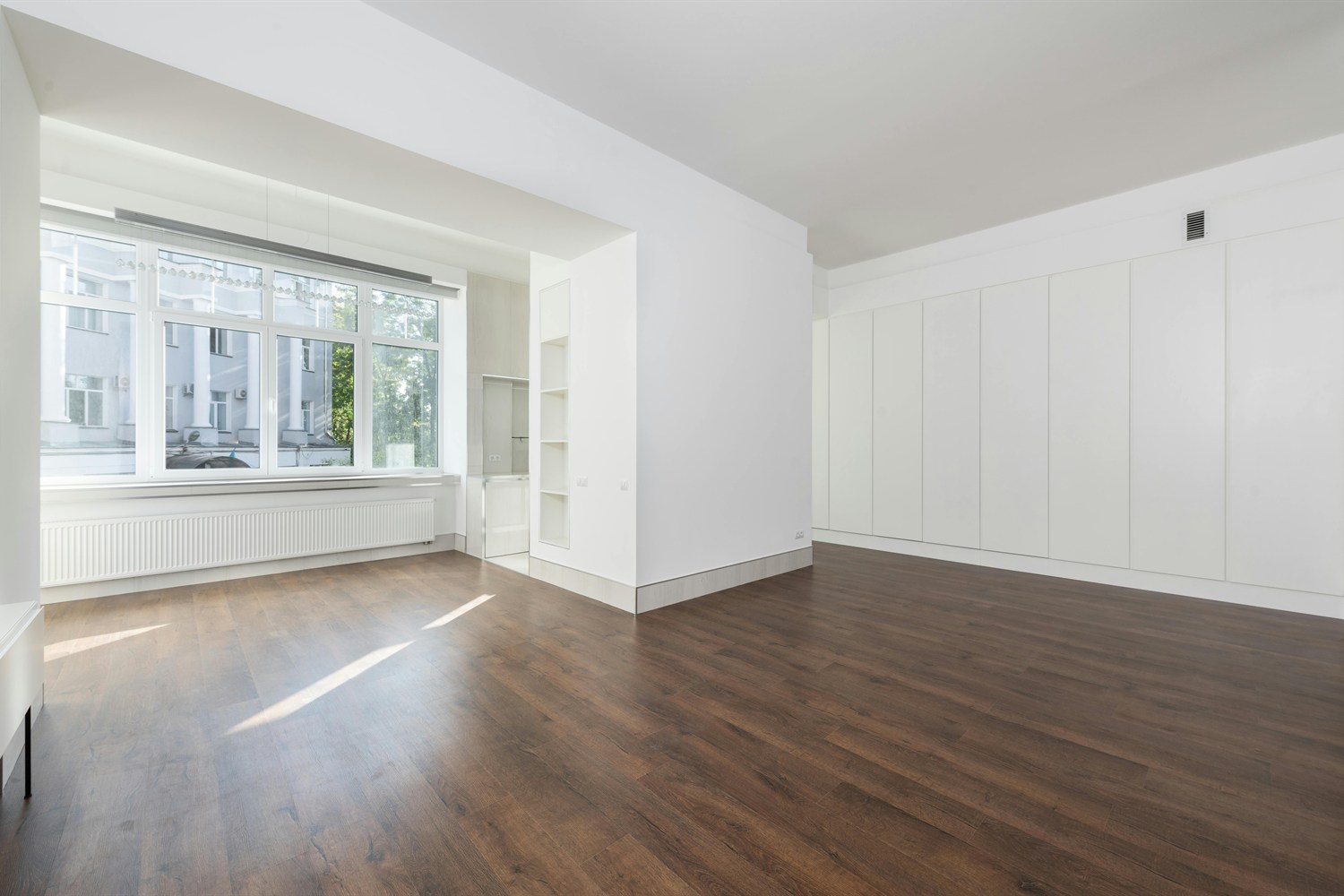
EmptyEmpty living room before staging
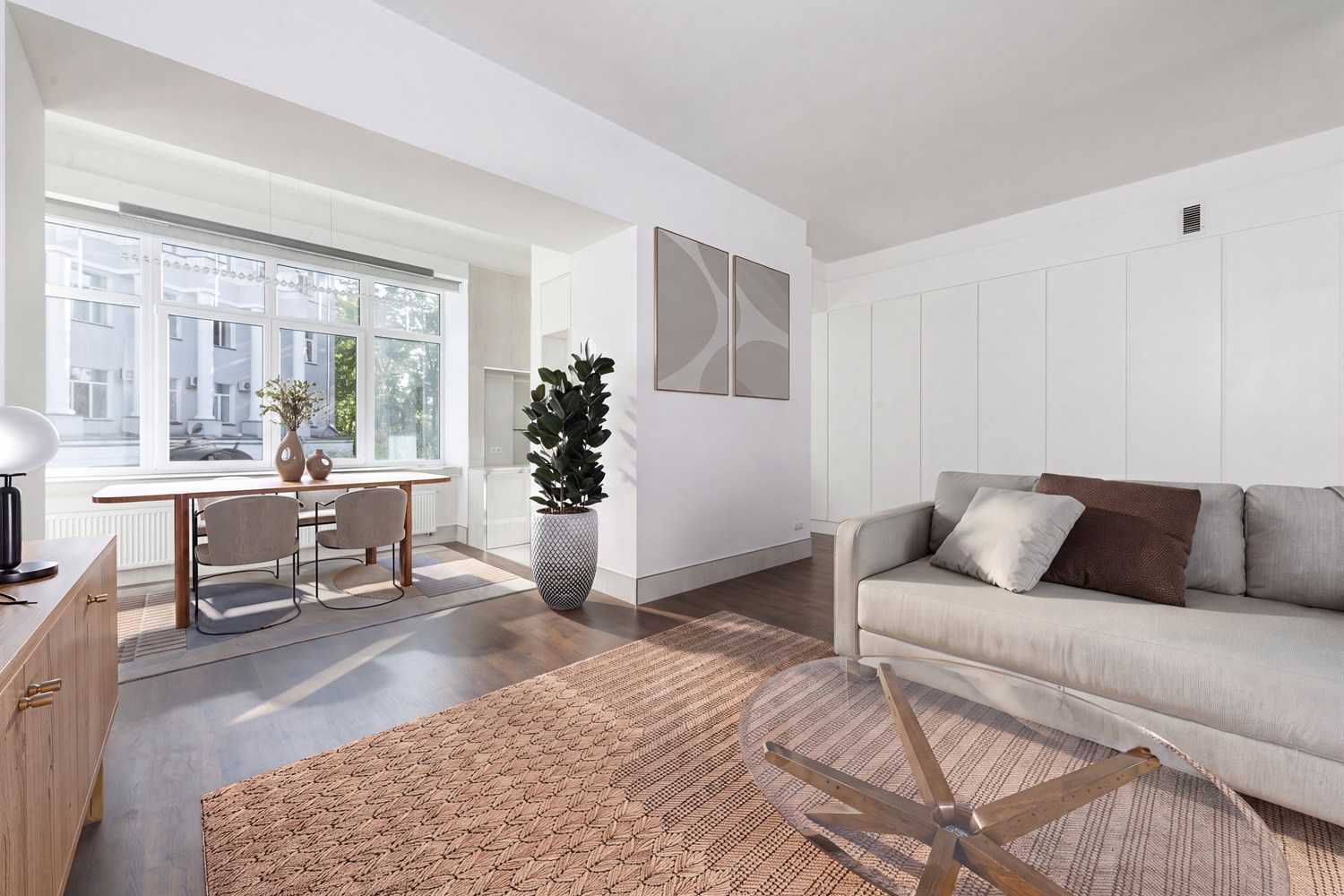
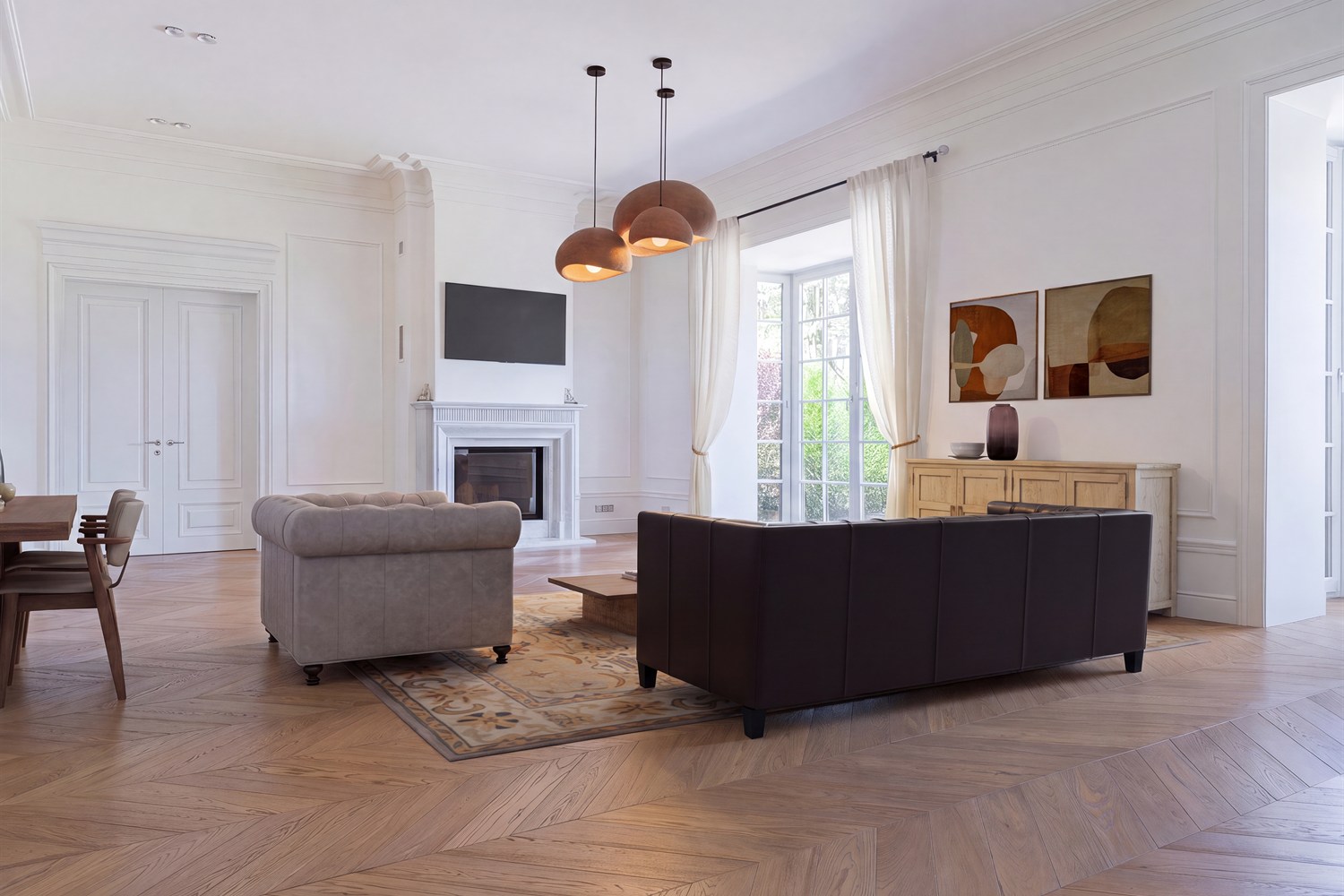
Auto-stagedLiving room automatically staged by Apply Design
How it works

Stage a photo in three steps

No editing skills required — Auto Stage does the design for you.

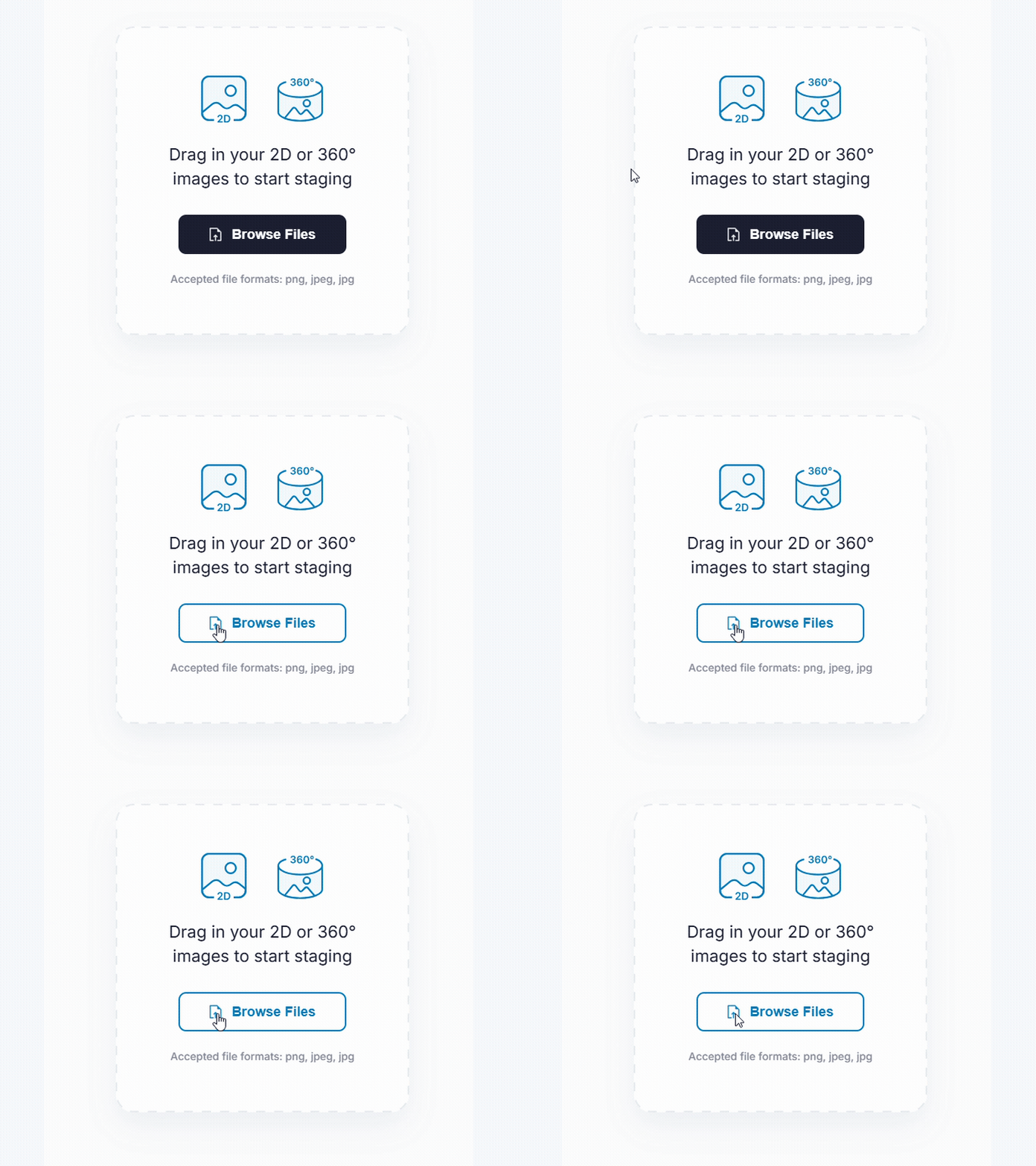
Step 1: upload your room photo to Apply Design
1

Upload your photo

Add an empty room photo and turn on Auto stage.

Step 2: choose a room set and design style
2

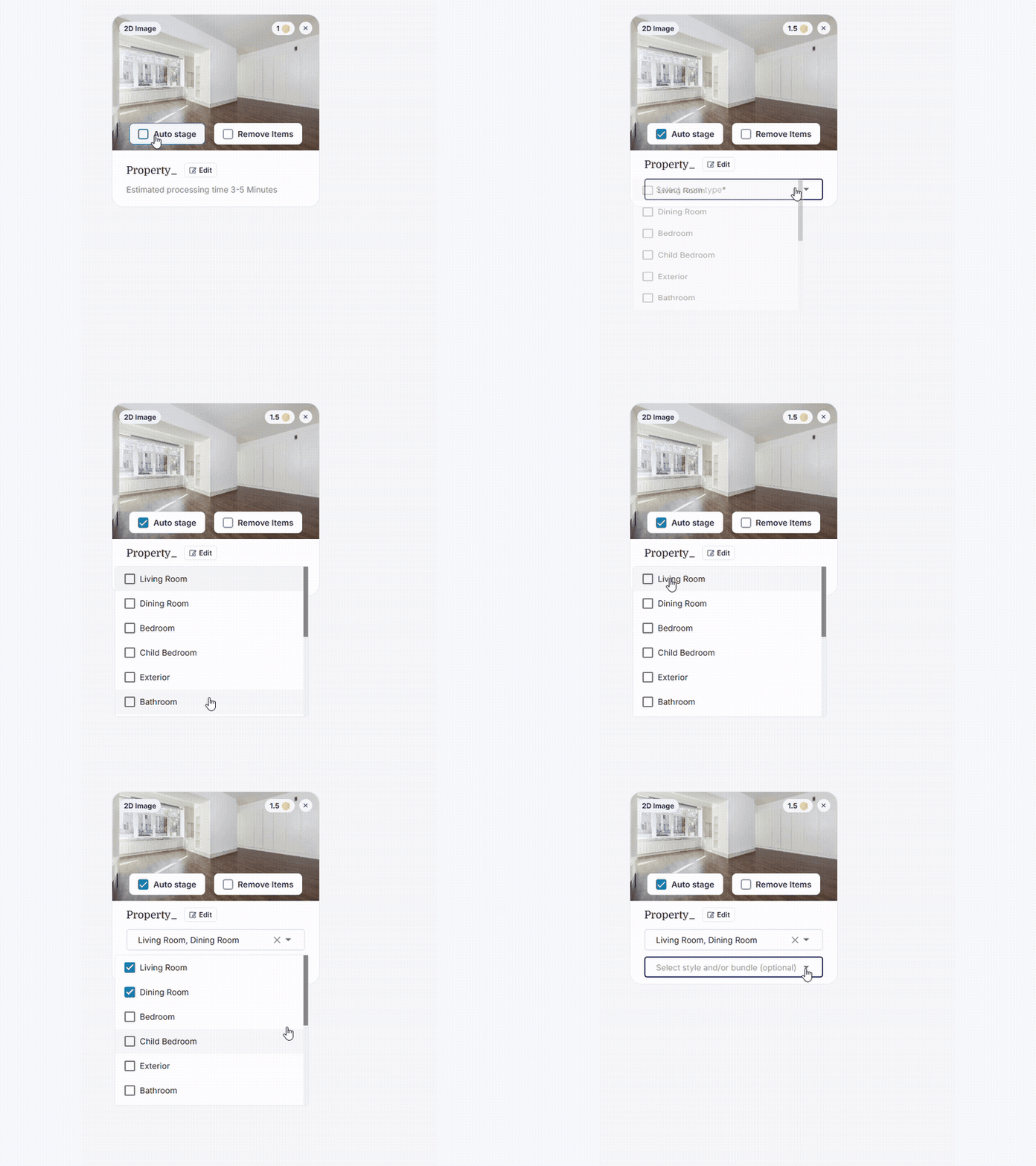
Choose a room set & style

Pick a room set (living room, bedroom, and more) and a design style.

Step 3: AI stages the room and delivers the result
3

Get your staged photo

Auto Stage furnishes the room in minutes — view it in the app and by email.

Choose your look

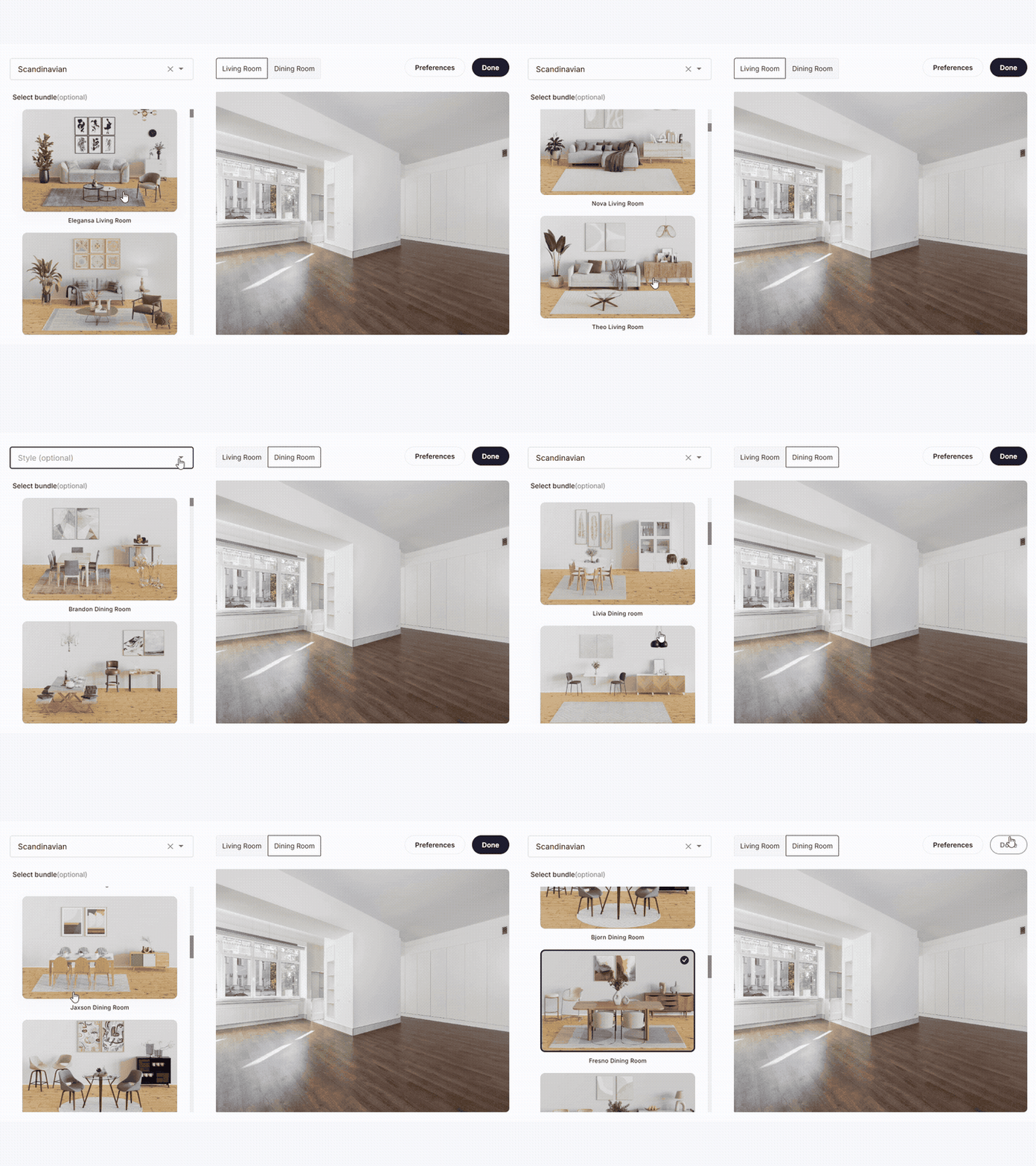
Pick a room set and design style

A bundle is a ready-made room set in the design style you choose — from Modern to Scandinavian. Auto Stage works on every room in the home, from living rooms and bedrooms to bathrooms and exteriors.

Farmhouse Bar Room bundle example
Farmhouse Bar Room
Traditional Bedroom bundle example
Traditional Bedroom
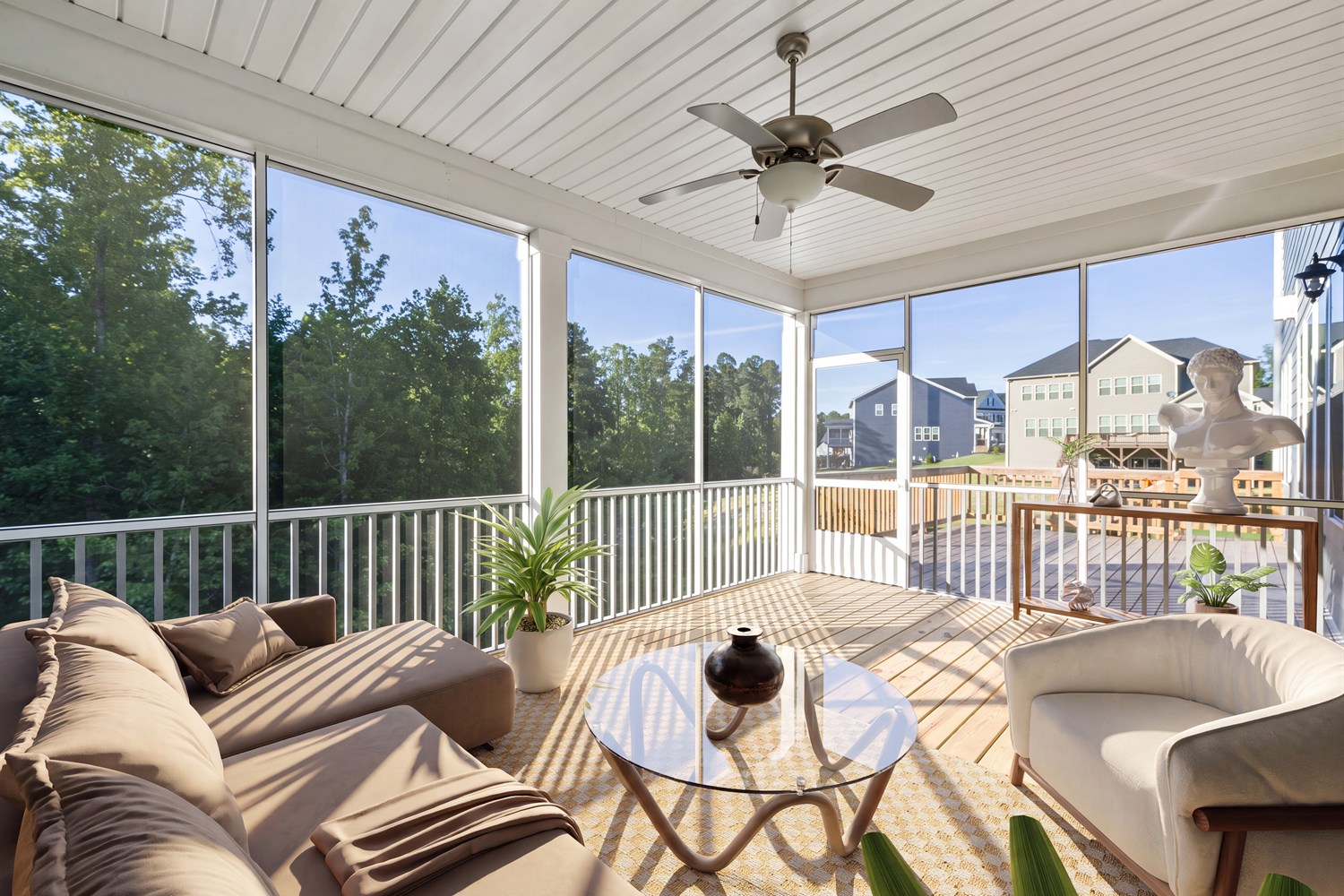
Modern Sunroom bundle example
Modern Sunroom
Scandinavian Living Room and Dining Room bundle example
Scandinavian Living Room & Dining Room
Before & after

See Auto Stage in action

EmptyEmpty room before staging
Auto-stagedRoom automatically staged by Auto Stage
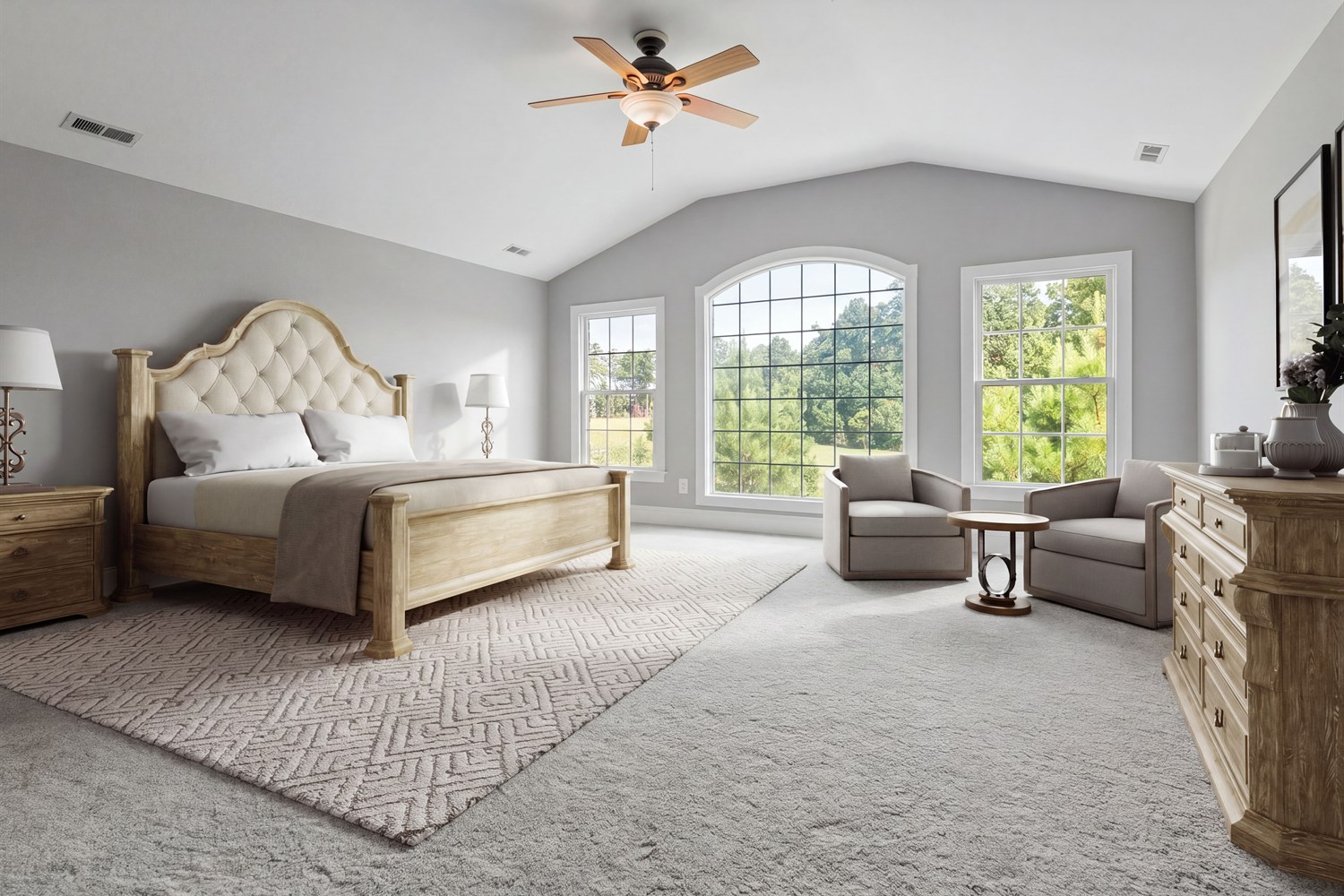
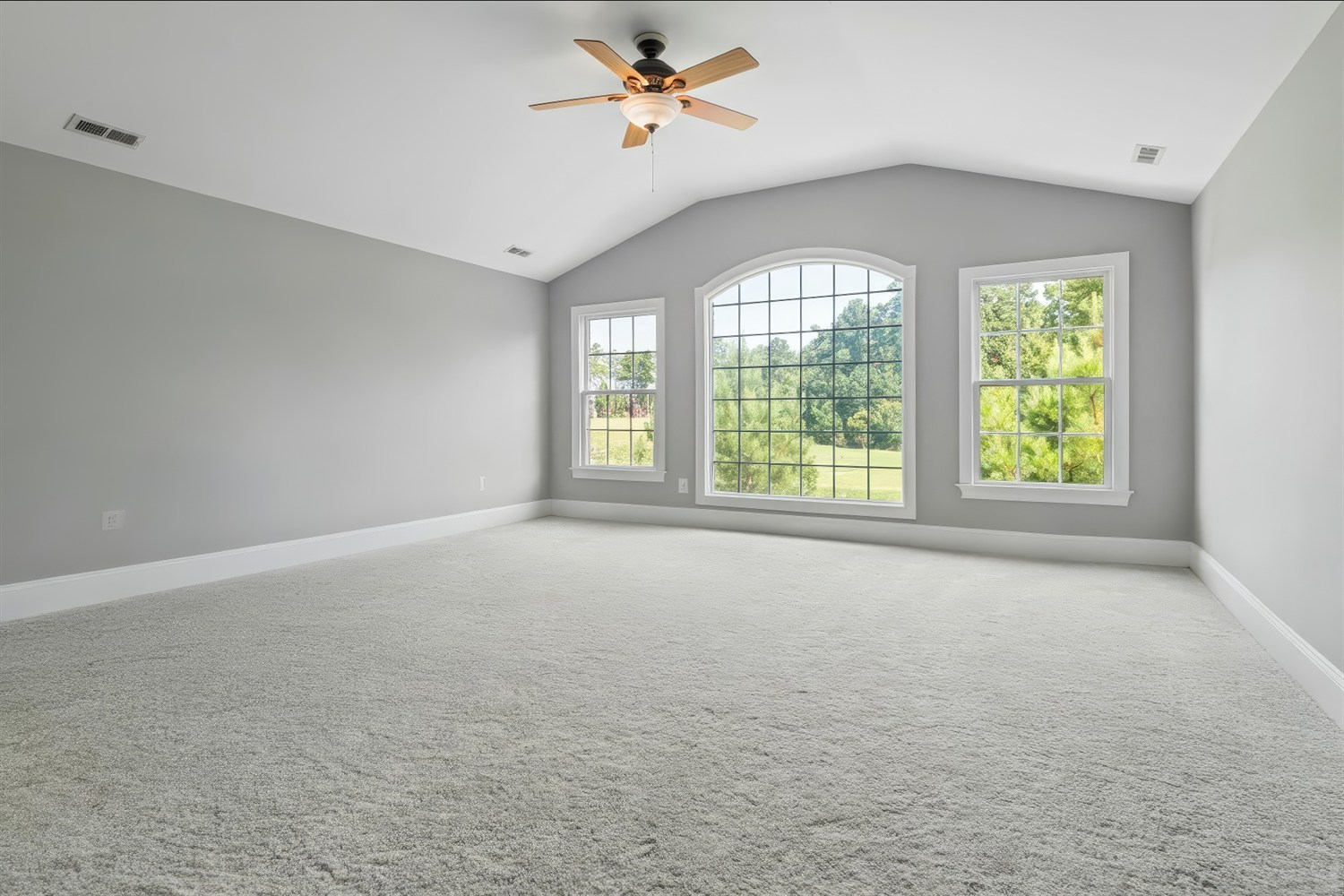
EmptyEmpty bedroom before staging
Auto-stagedBedroom automatically staged by Auto Stage
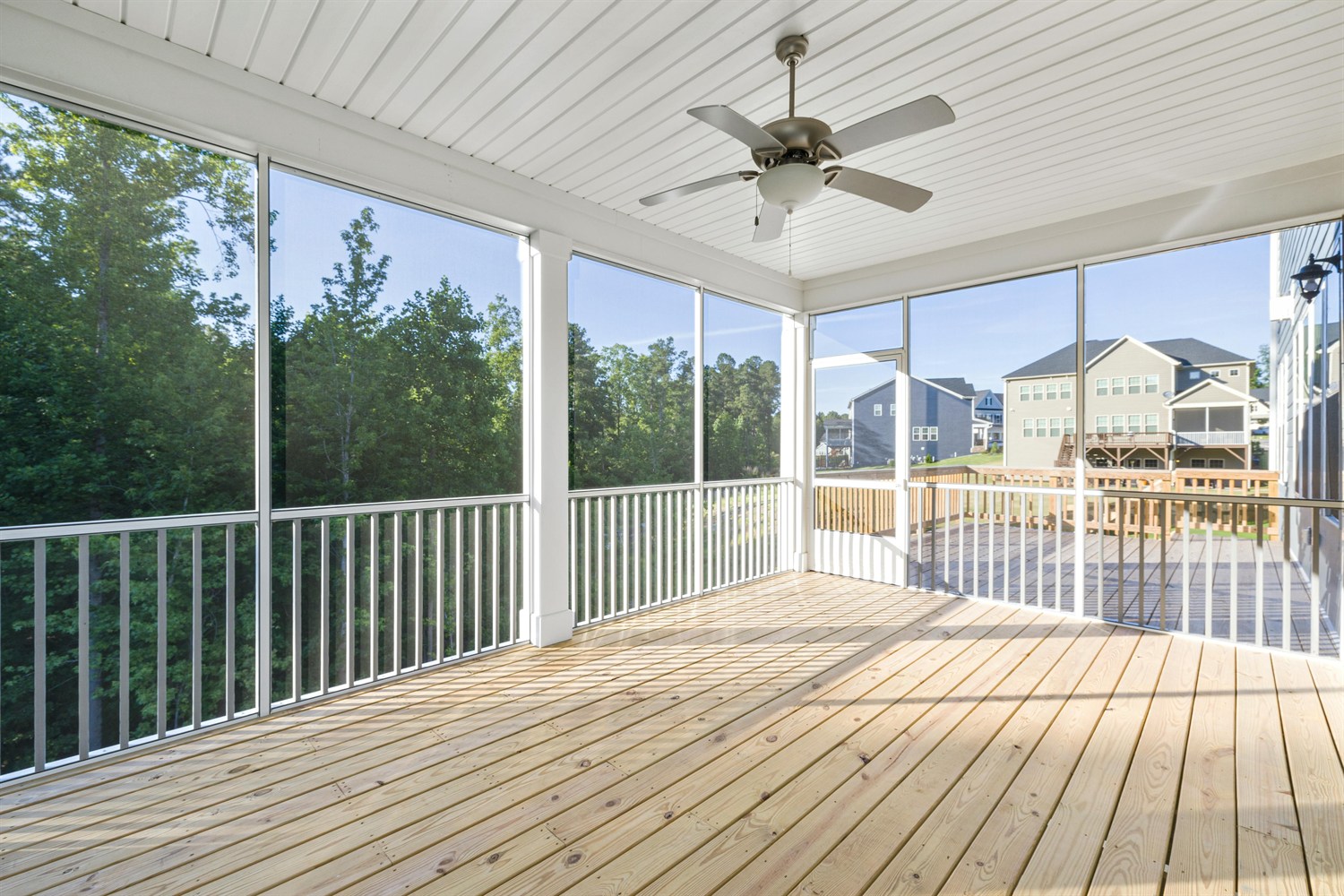
EmptyEmpty sunroom before staging
Auto-stagedSunroom automatically staged by Auto Stage
Why Auto Stage

Professional staging without the work

  • No design skills needed — Auto Stage chooses and places the furniture for you
  • Ready in minutes, delivered in the app and by email
  • Your choice of style — pick a room set and design that fit the listing
  • Empty first if needed — remove existing furniture in the same upload
Try it out
FAQ

Frequently asked questions

How do I add furniture to an empty listing photo?

Upload the photo to Apply Design, turn on Auto stage, choose a room set and style, and Auto Stage adds photorealistic furniture automatically in minutes. Then download the staged image.

Do I need design skills to use Auto Stage?

No. Auto Stage designs and furnishes the room for you — just pick a style and Auto Stage does the rest.

What styles can I choose from?

Plenty. Choose a room set for almost any space — living room, dining room, bedroom, kids' bedroom, bathroom, hallway, basement, sunroom, and even exteriors. Then pick a design style such as Modern, Scandinavian, Traditional, Farmhouse, Coastal, or Industrial, so the staging matches the listing.

How long does virtual staging take?

Most photos are staged in a few minutes. You get the result in the app and by email when it is ready.

Can I remove existing furniture before staging?

Yes. You can remove the current furniture in the same upload, then let Auto Stage furnish the empty room.

Is there a free trial?

Yes. You can try Auto Stage free before you buy.

Stage your first listing free

Upload an empty room and see it fully furnished in minutes — no design skills, no credit card needed.

Try for free