The drag-and-drop editor puts you in charge — add furniture, move and rotate it, resize, and fine-tune every detail of your listing photo, right in your browser.
Try for free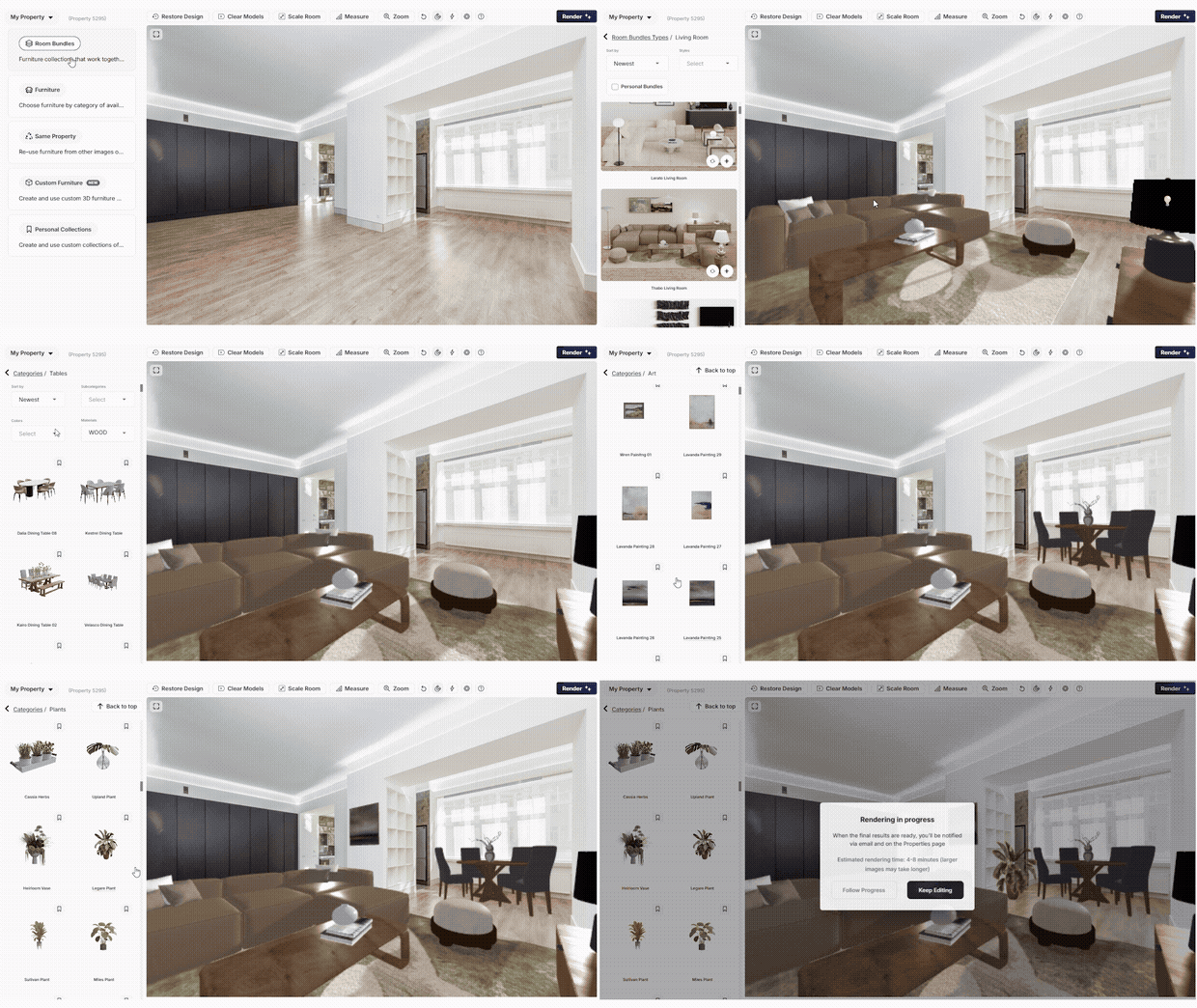
Simple to use, and each tool has a quick guide if you want the details.
Browse a large catalog of furniture and décor and drop pieces straight into your photo.
Learn how →Place any item exactly where you want it, and take out anything you don't need.
Learn how →Drag pieces around the room and rotate them to any angle for the perfect layout.
Learn how →Resize furniture and set the room scale so everything looks true to life.
Learn how →Changed your mind? Bring back an earlier version of your staging anytime.
Learn how →When you want a specific look — a certain sofa here, art on that wall, the layout just so — the editor gives you hands-on control over every piece, with no design software to learn. Prefer it done for you? Use Auto Stage instead; the editor is there whenever you want to take the wheel.
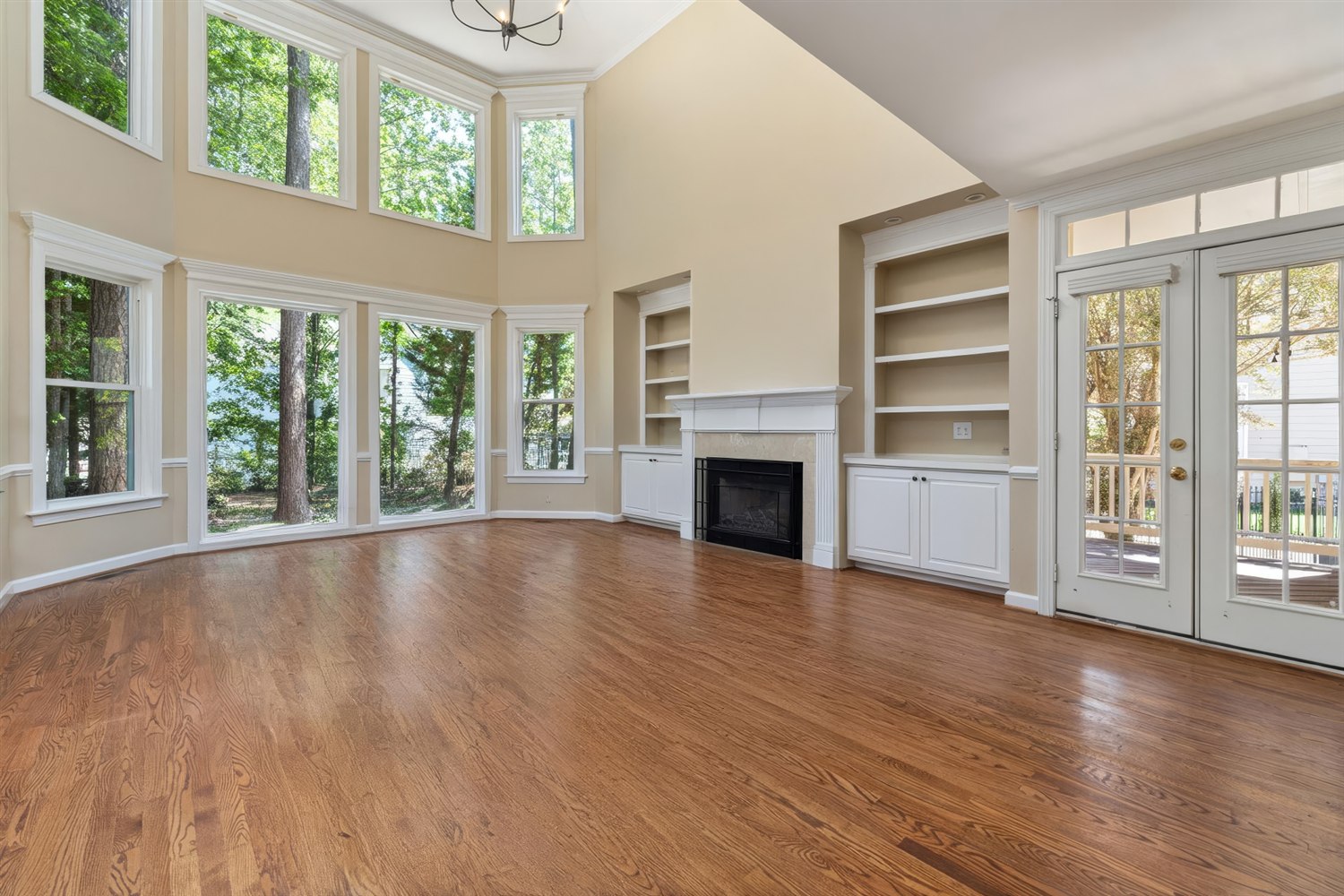
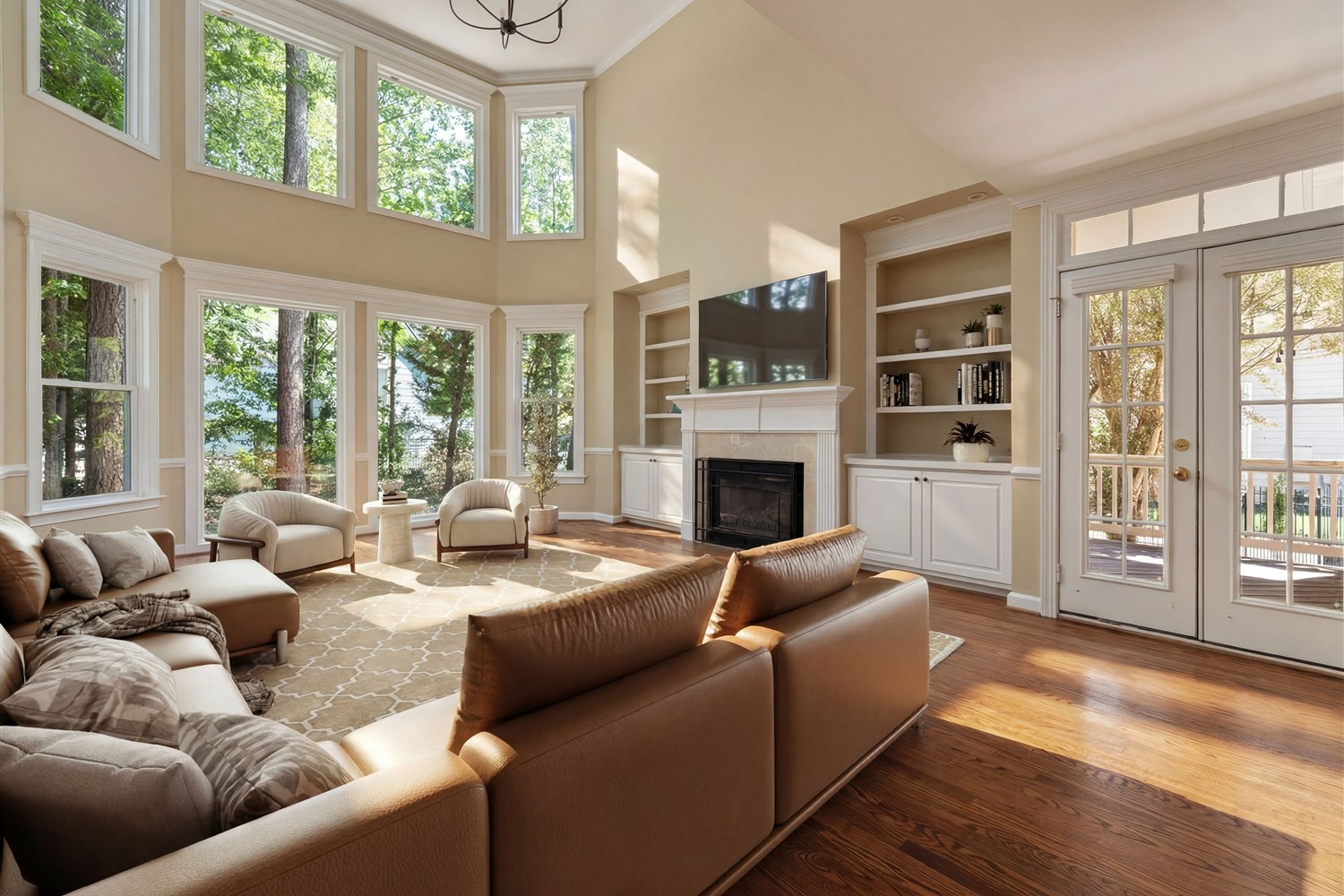
It's a drag-and-drop tool for staging your own listing photos — add furniture, move and rotate it, resize, and adjust everything yourself, right in the browser.
No. If you can drag and drop, you can use it. Each tool also has a short guide linked above.
Yes — restore an earlier version anytime. And you're not limited to one look: re-render your property as many times as you like, so you can create several design versions of the same room.
Yes. The same editor works on 360° panoramas for virtual tours.
Use Auto Stage — it furnishes the room automatically. The DIY editor is for when you want full control.
Step-by-step guides for every tool in the editor, over in our help center.
See all editor tutorials →


