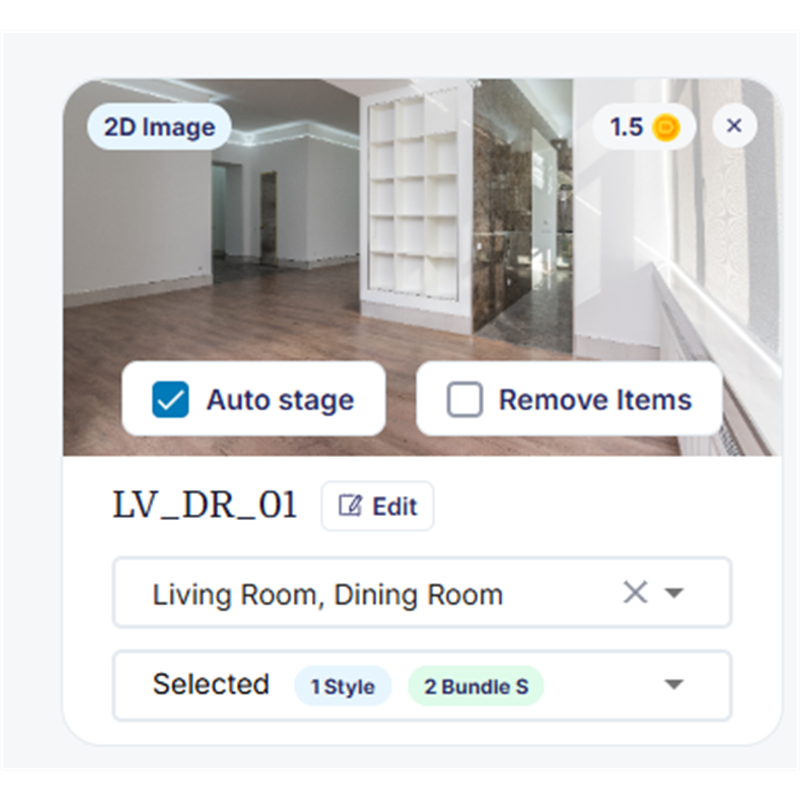
Multi-Angle Consistency

Stage the same room from every angle — and keep it consistent

Listings show a room from several angles. Multi-Angle Consistency stages all those photos with the same furniture and layout, so every shot matches instead of looking like a different room.

Try it out
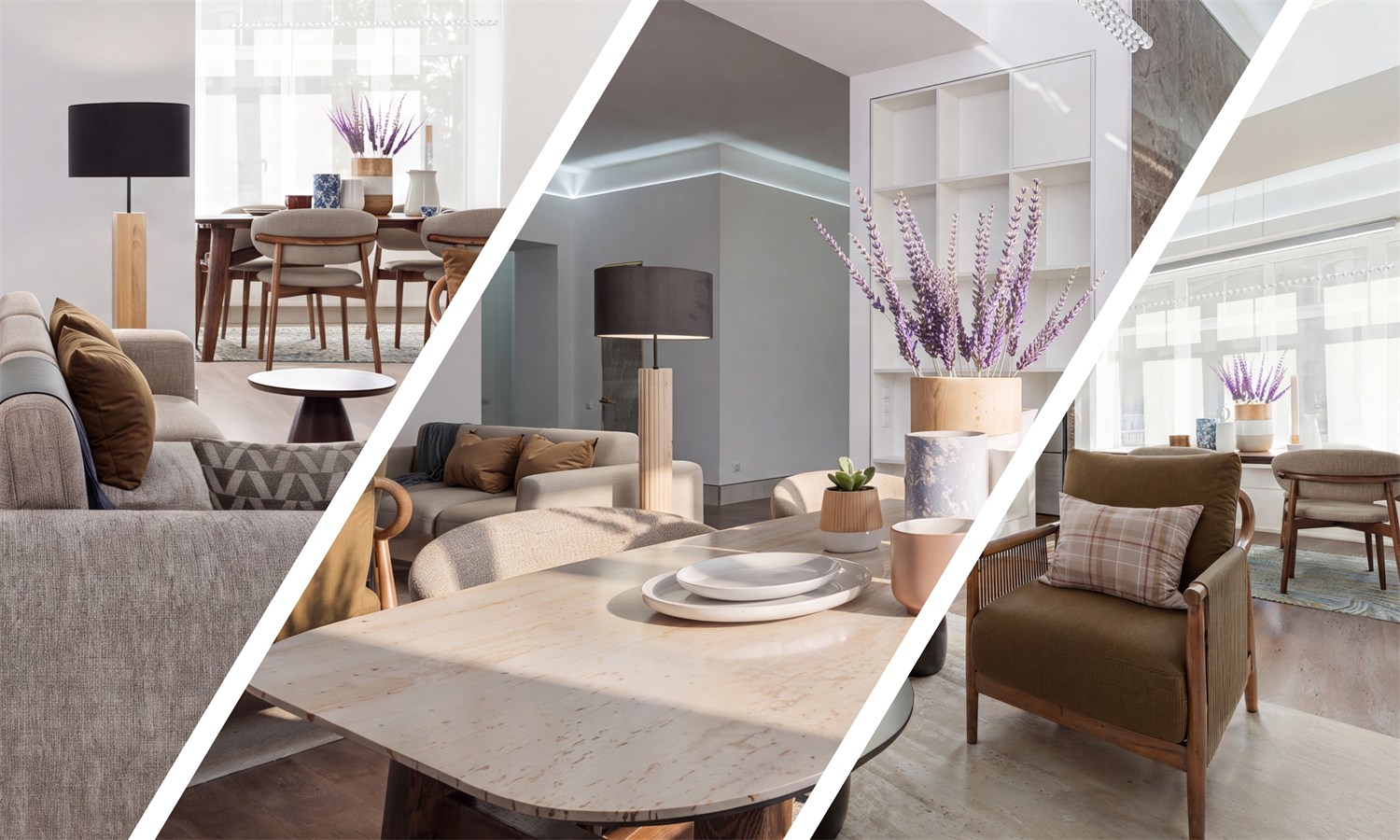
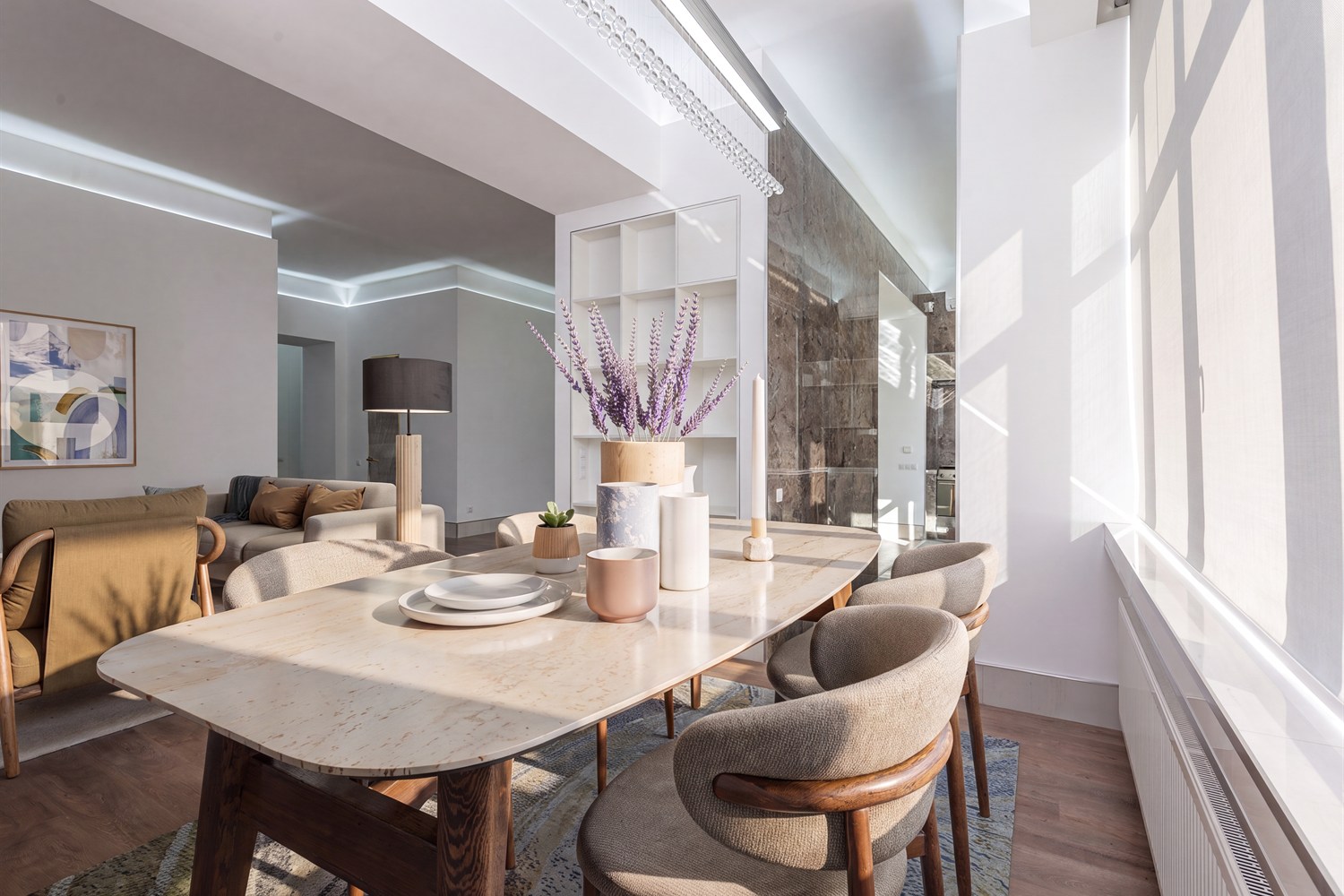
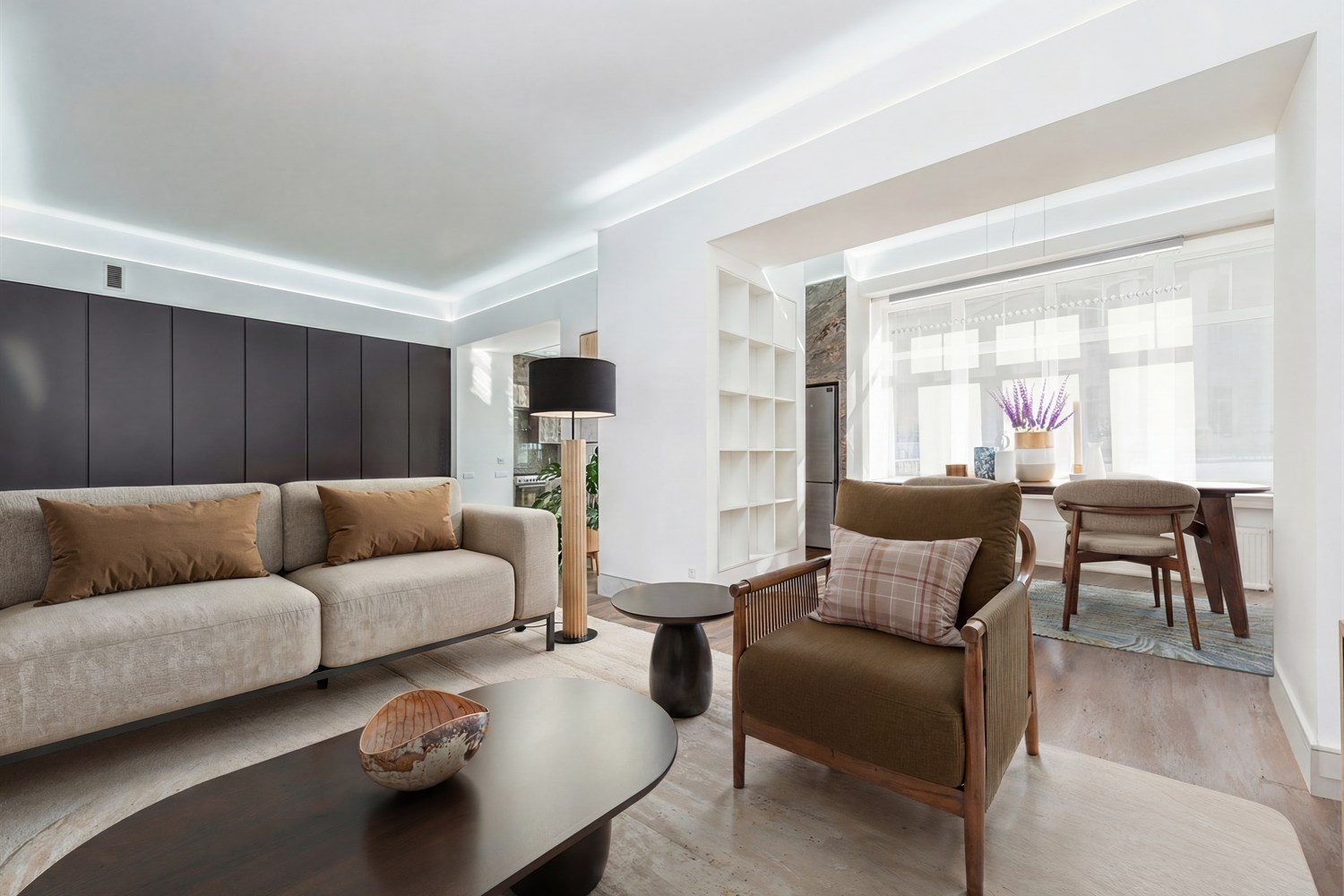
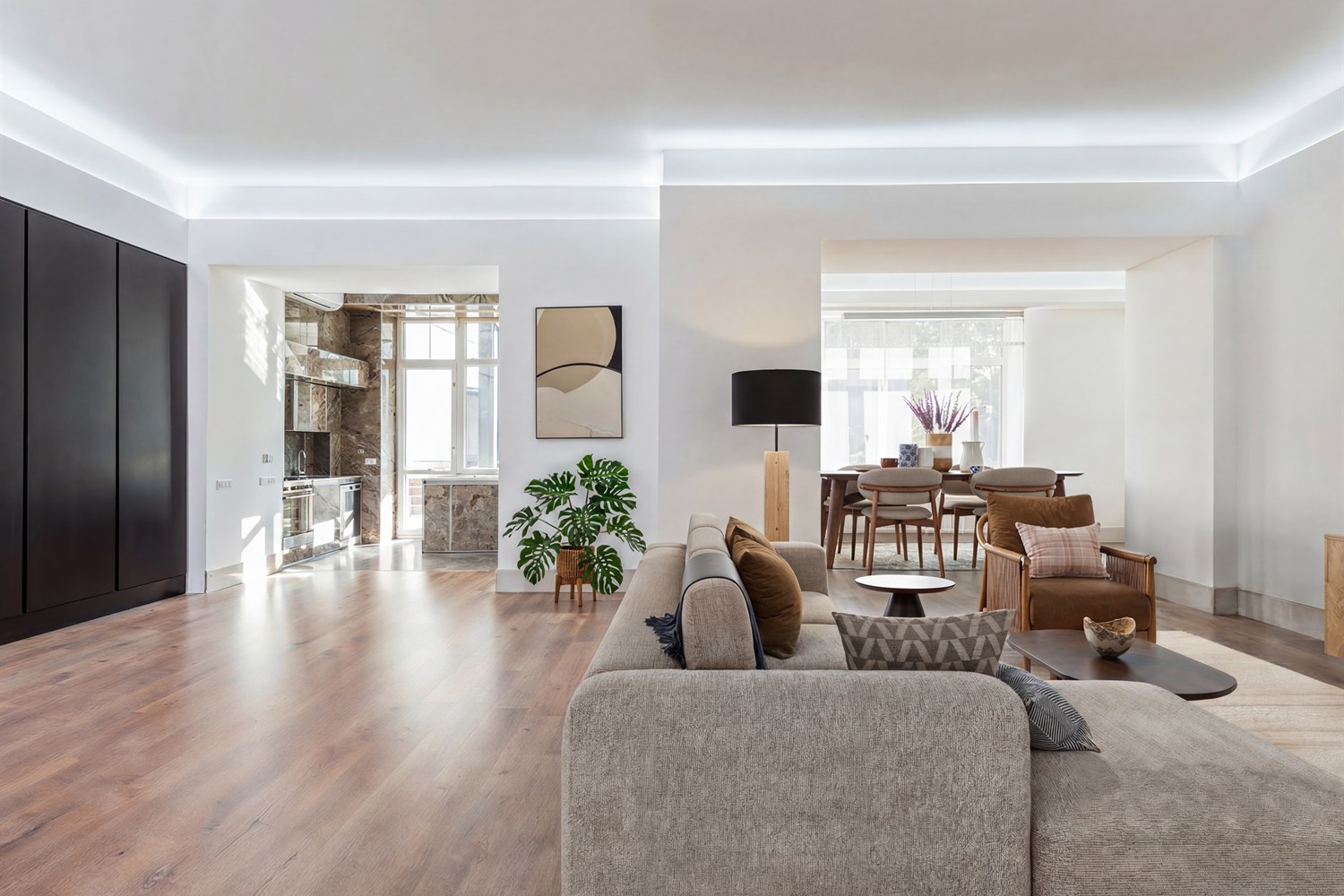
Same room staged consistently from three angles
One room, every angle

Same furniture. Same layout. Every photo.

Angle 1Room staged, angle 1
Angle 2Same room staged, angle 2
Angle 3Same room staged, angle 3
How it works

Stage a room from multiple angles in four steps

Easy to follow — no design or editing skills needed.

Step 1: upload photos of the same room
1

Upload your photos

Add all the shots of the same room you want staged.

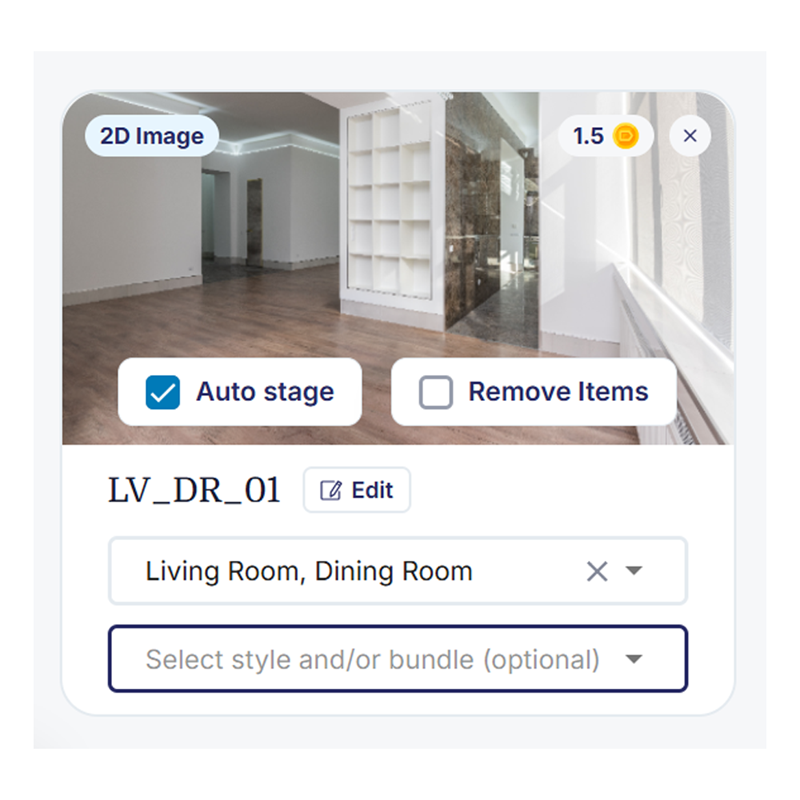
Step 2: choose the room type
2

Choose the room type

Pick what the room is — living room, bedroom, and so on.

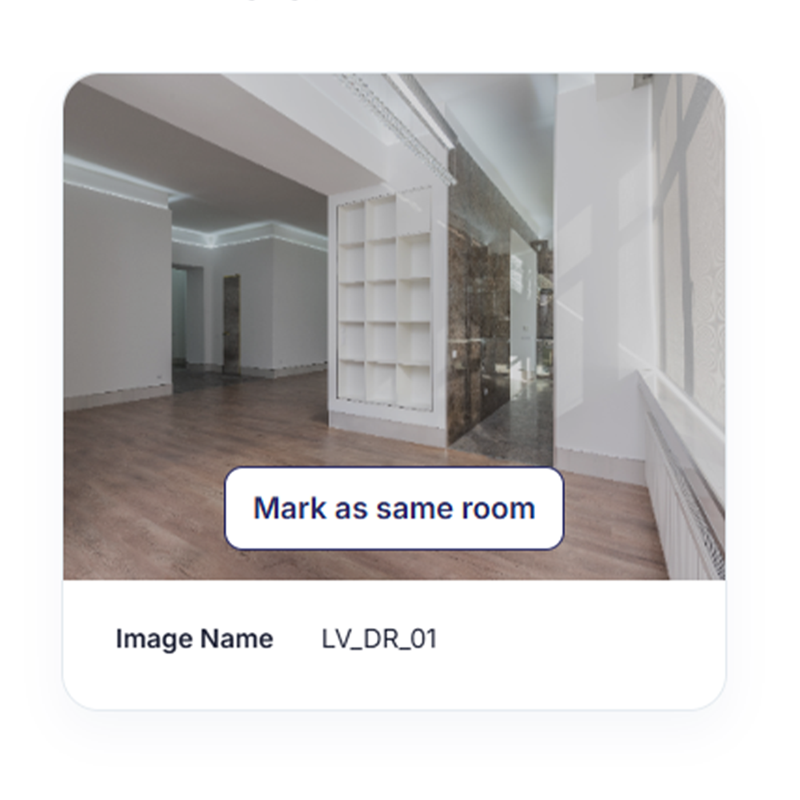
Step 3: mark photos as the same room
3

Link the same room

Click to the next image and mark it as the same room when asked. Repeat for each angle.

Step 4: choose a style and upload
4

Pick a style & stage

Choose a design style on the first photo and upload. Every angle is staged to match.

Why it matters

Listings that look real, not pieced together

  • Consistent furniture across every photo of the room
  • Same layout from each angle, so buyers aren't confused
  • More professional listings that build trust
  • No design skills needed — just mark the photos as the same room
Try it out
FAQ

Frequently asked questions

How do I stage the same room from multiple angles?

Upload each photo of the room, choose the room type, and mark the photos as the same room when prompted. Pick a style on the first photo and upload — every angle is staged to match.

Will the furniture match across all my photos?

Yes. When photos are marked as the same room, they are staged with the same furniture and layout, so every angle looks consistent.

How many photos of a room can I stage together?

You can link several photos of the same room. Just mark each new photo as the same room as you upload it.

What room types can I use this with?

It works on living rooms, dining rooms, bedrooms, and other spaces — pick the room type when you upload. You can also stage more than one room type in the same photo, such as an open-plan living and dining room.

Stage every angle to match

Upload your room photos and get consistent, professional staging across every one of them.

Get started