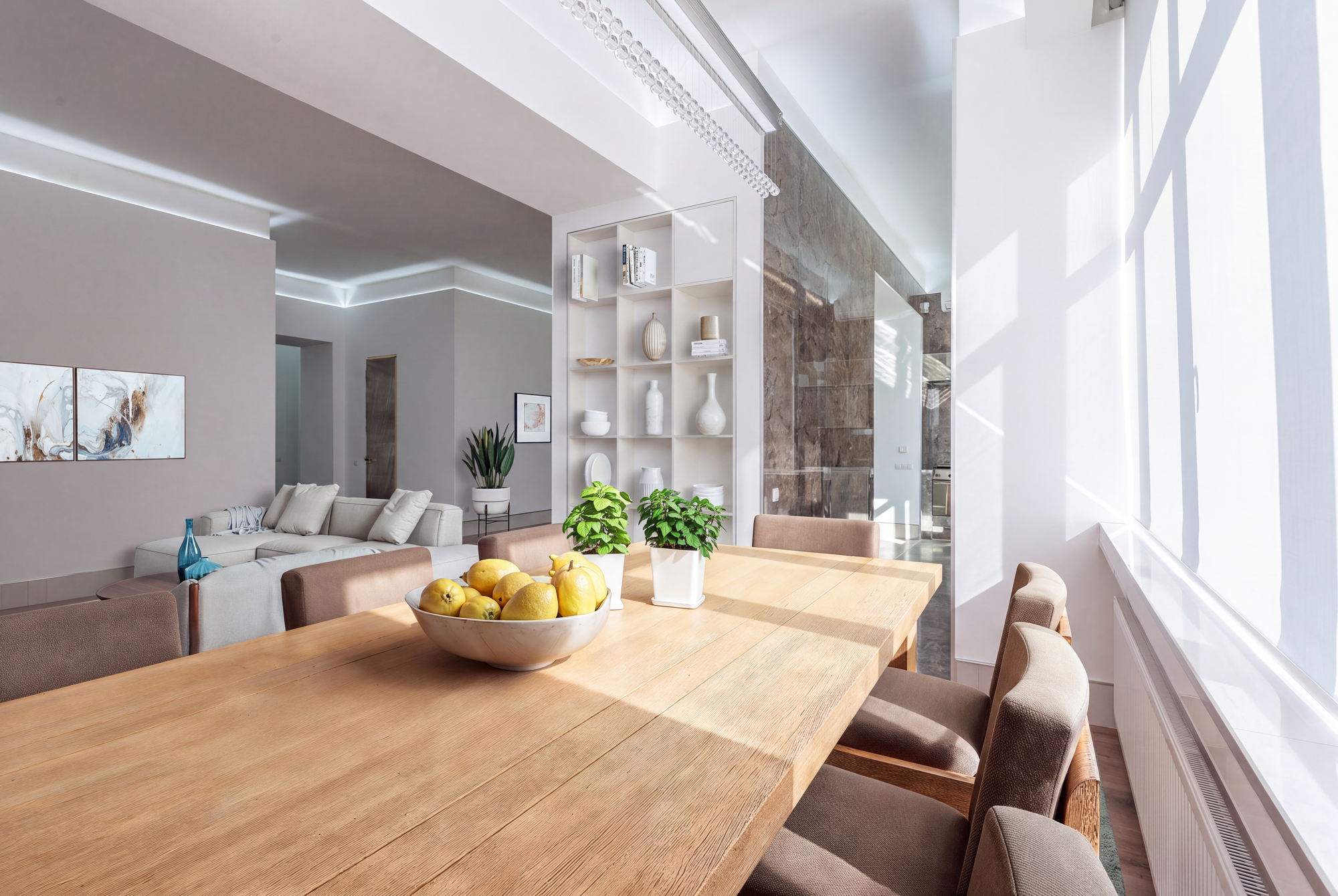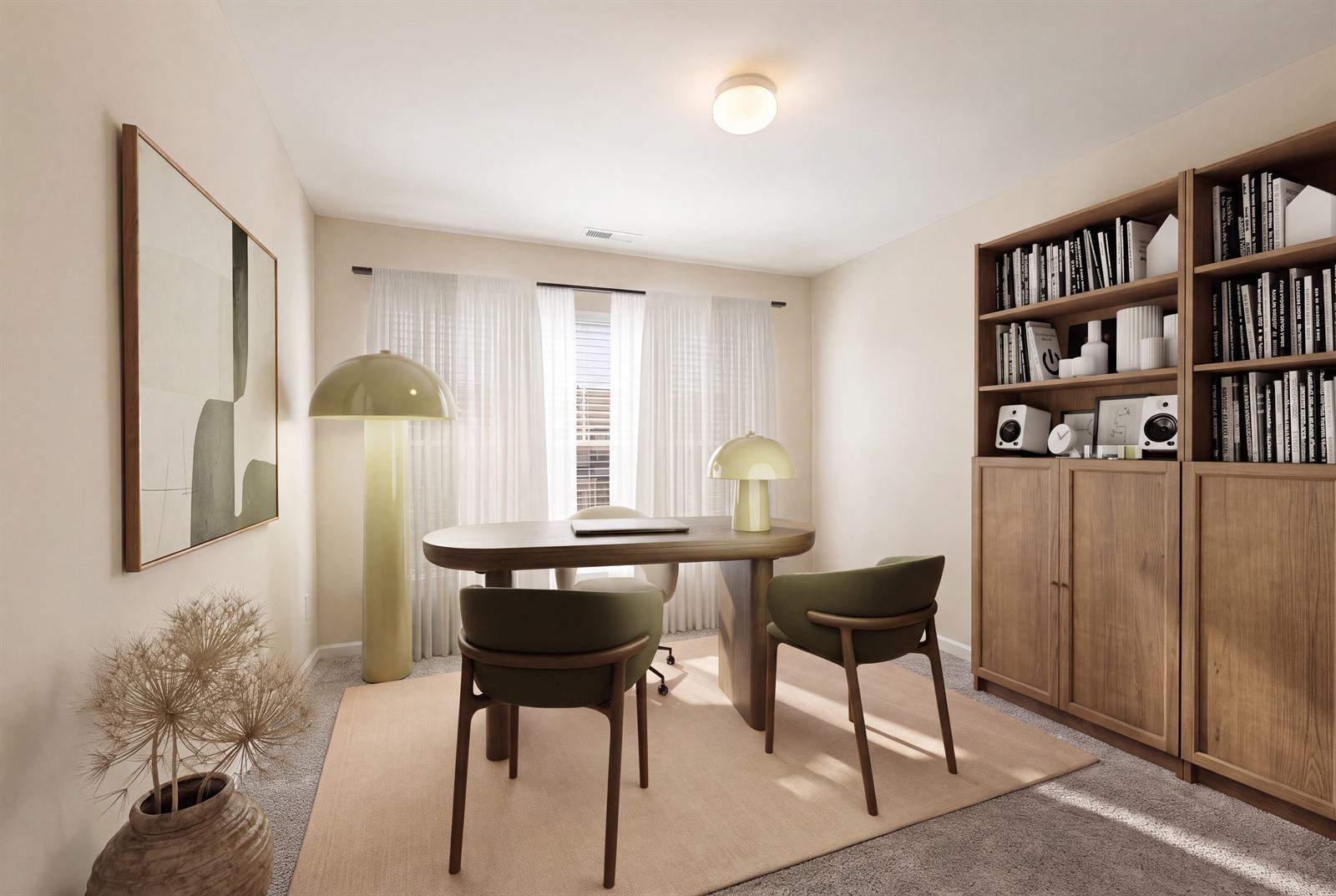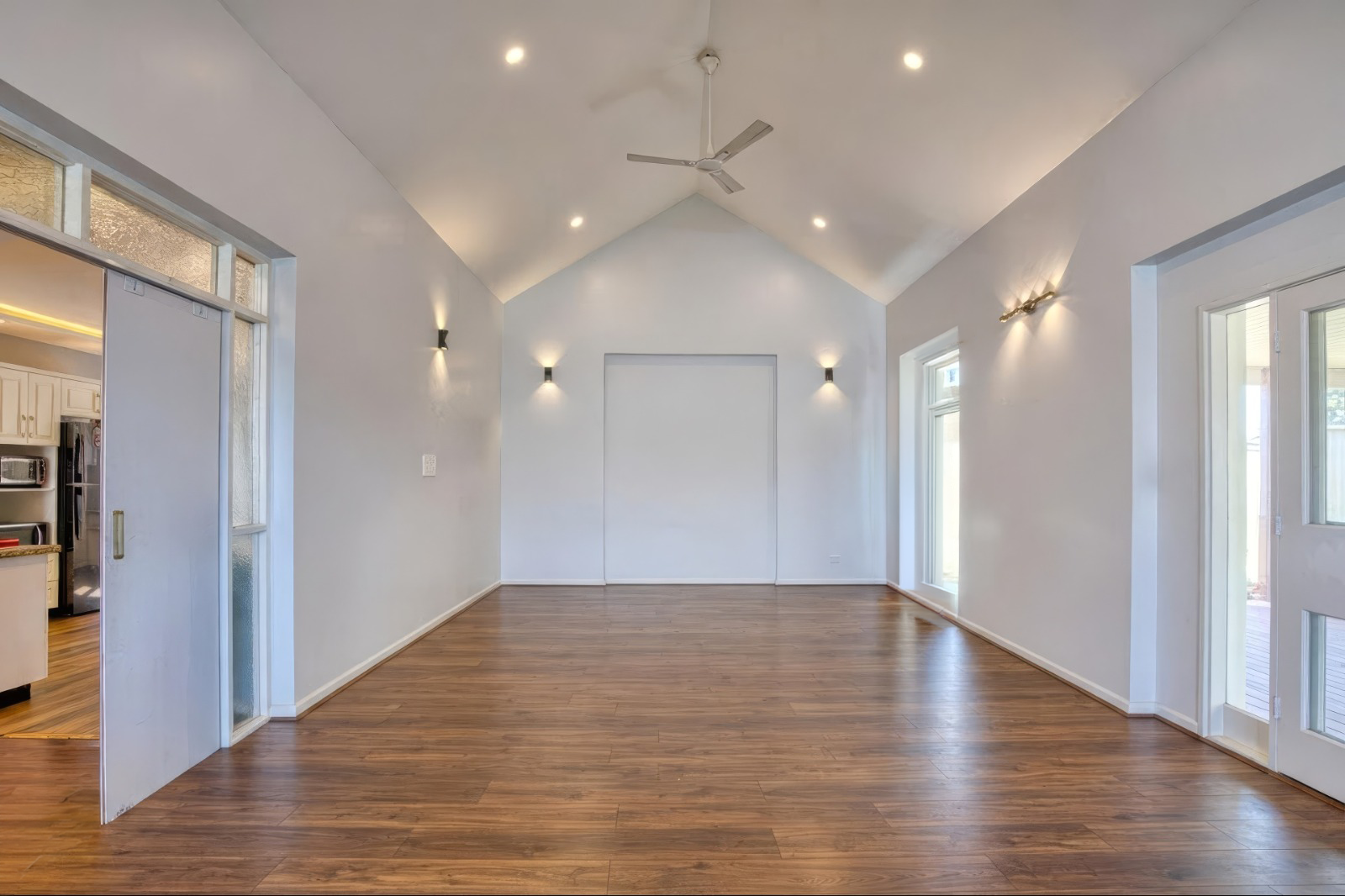
Selling or renting a property with old furniture or too much clutter? It can make the space feel smaller, darker, or outdated.
With AI furniture removal, you can remove unwanted furniture from your property photos and create a clean, empty space in just a few minutes. No editing skills and no complicated tools needed.
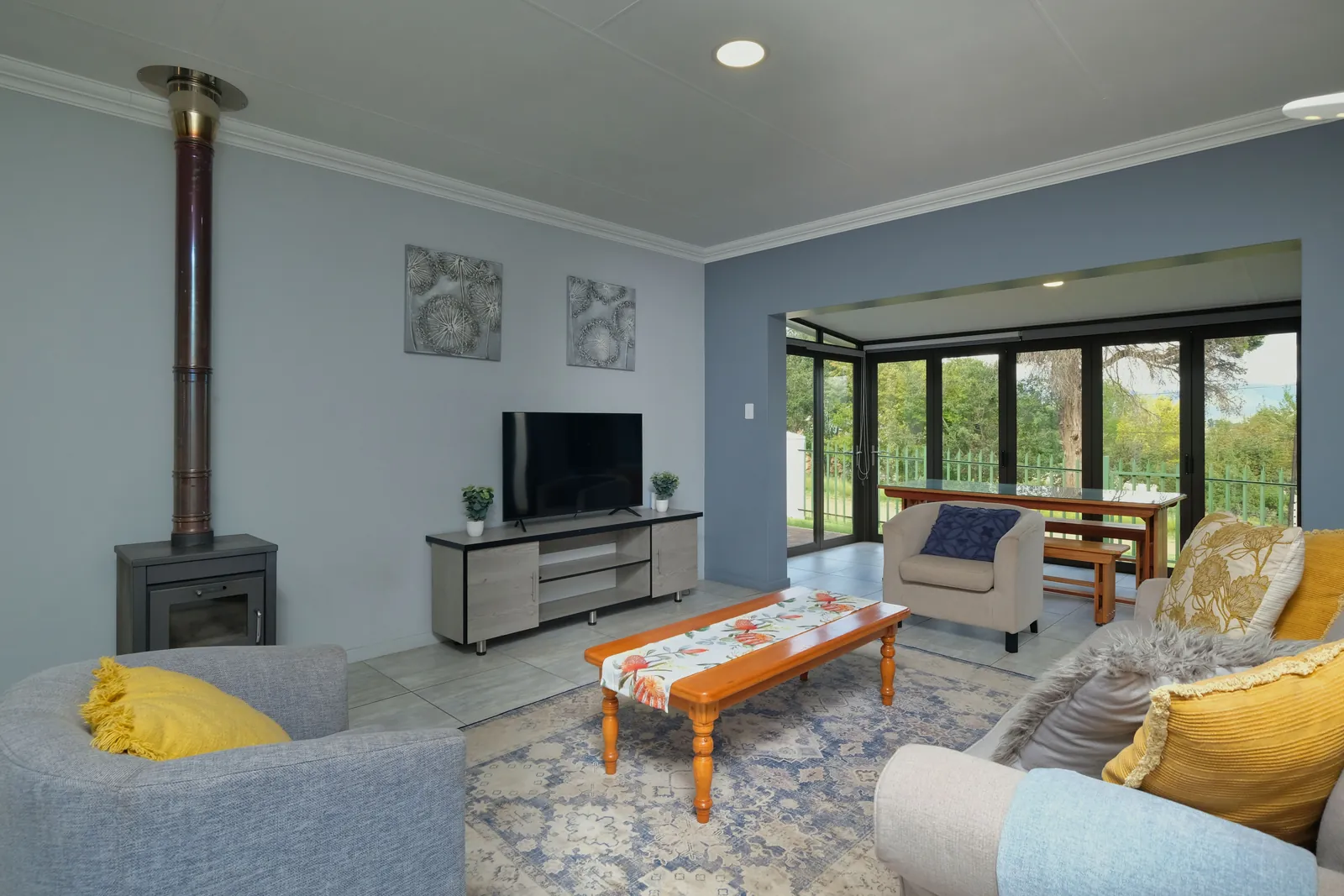
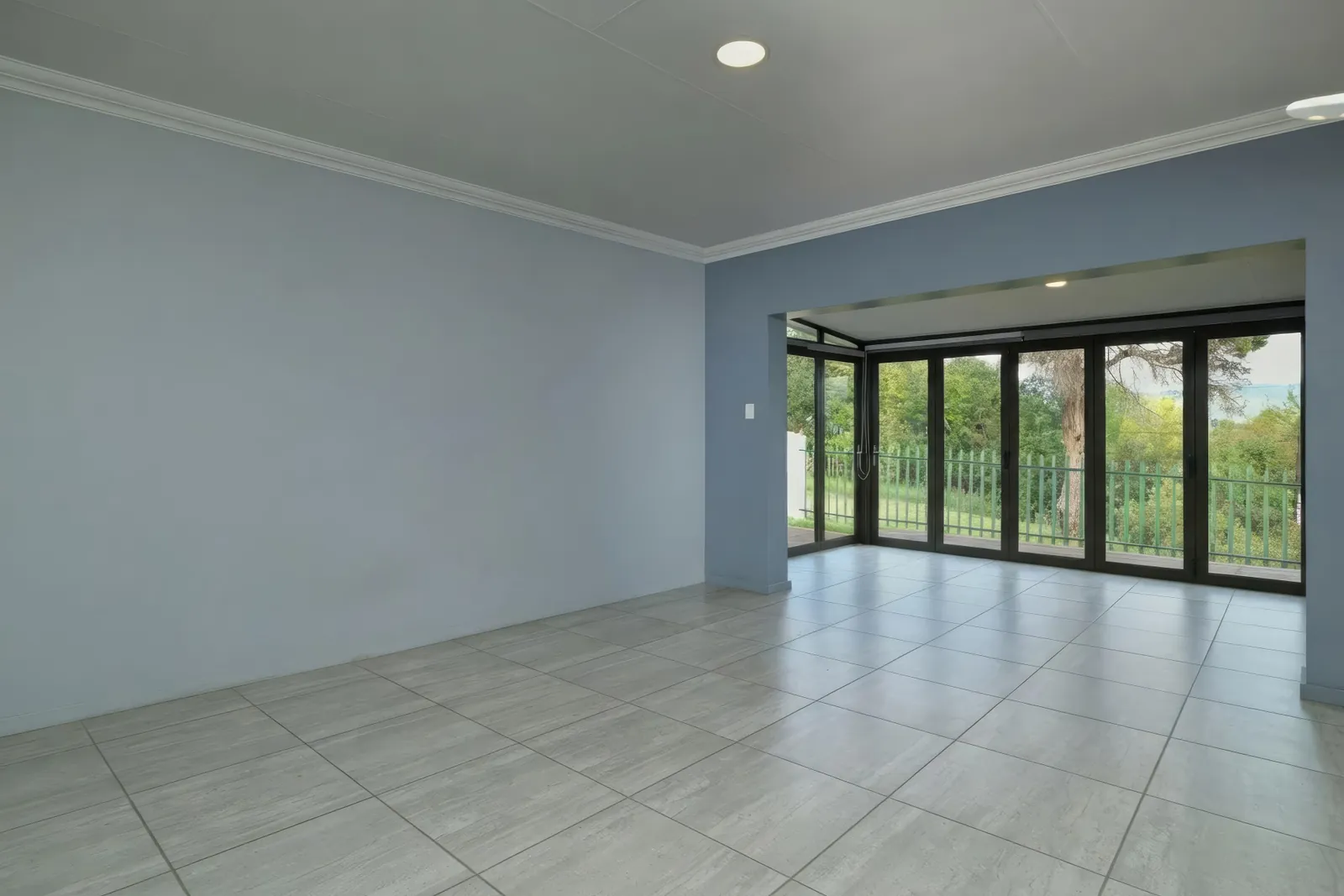
Prefer to watch? Here is the whole thing, from upload to empty room.
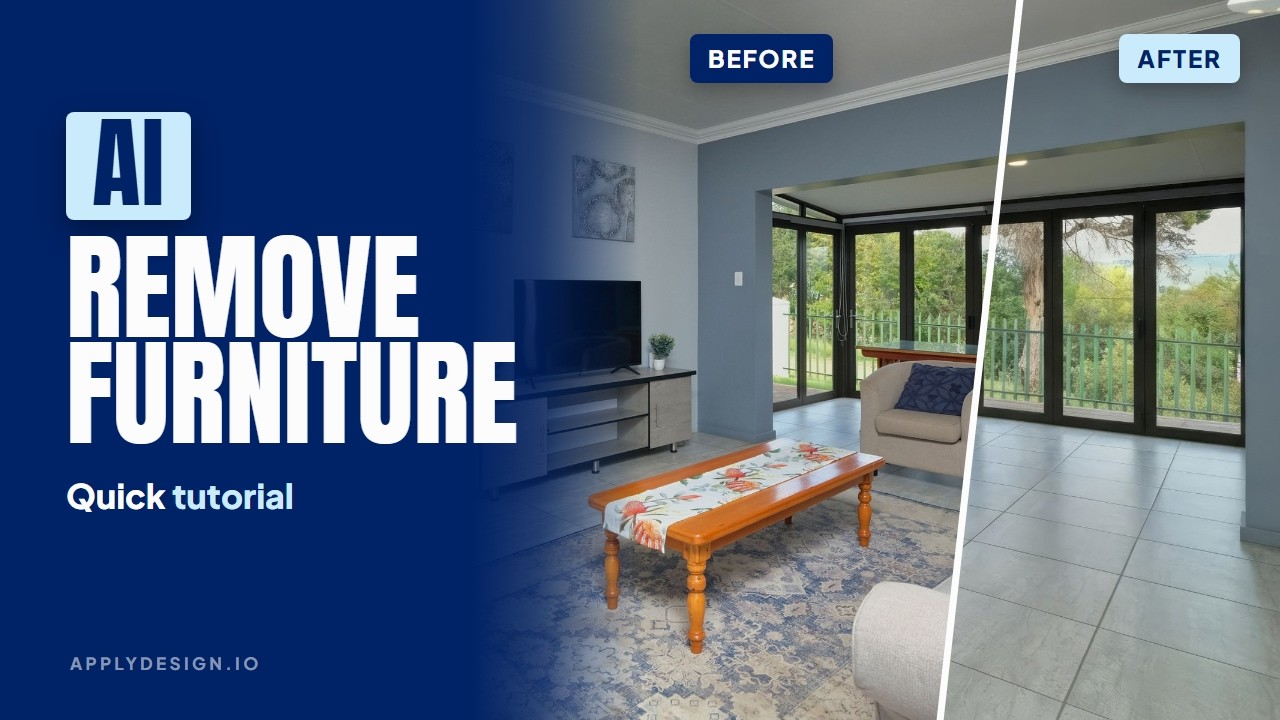
The AI rebuilds the floor and walls that were hidden behind the furniture. The more of the room it can see, the better the result.
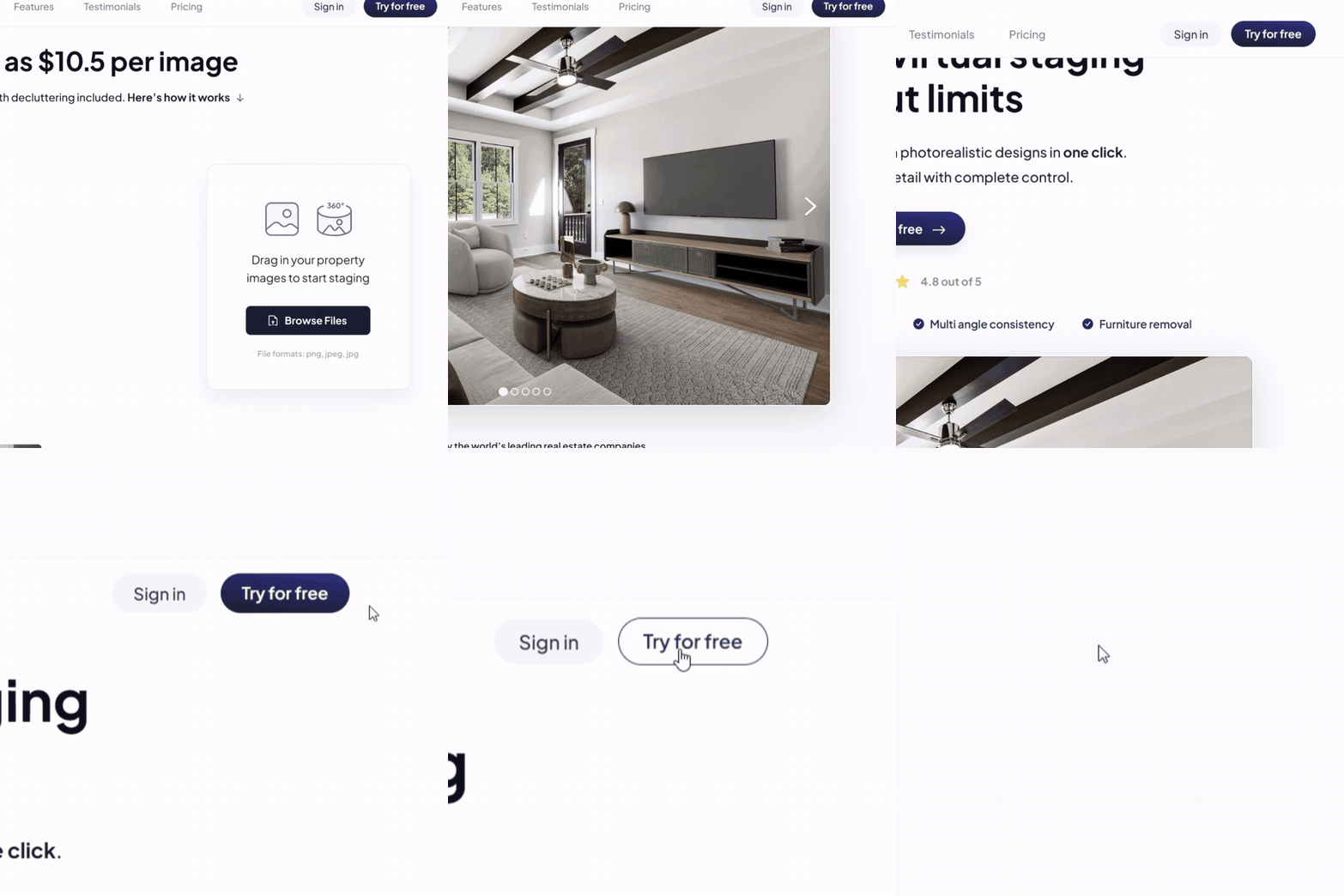
Go to Apply Design and click Try for free. No credit card needed.
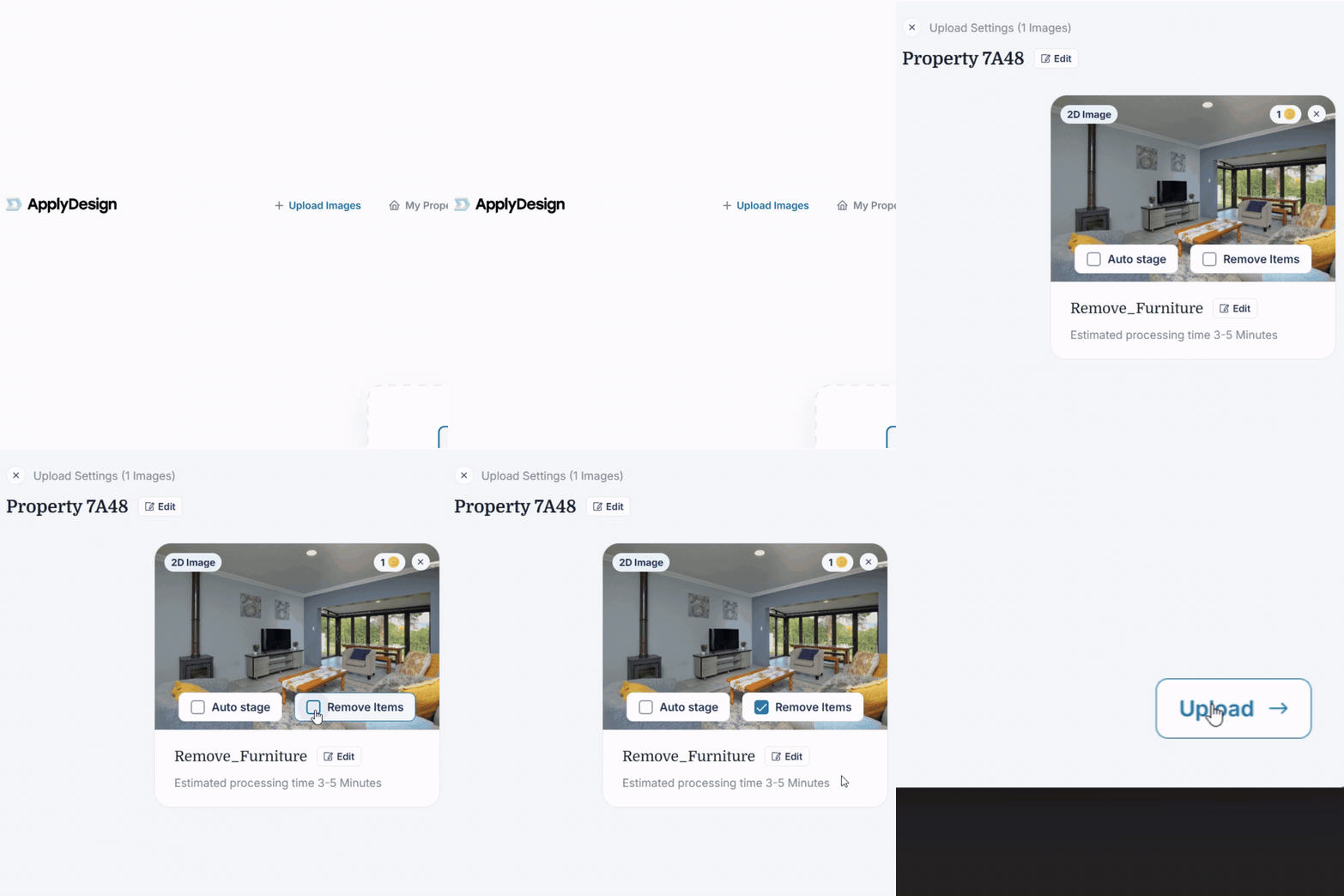
Click Upload Images and drag in your photo. Tick Remove Items, then click Upload.
Your photo shows Image processing while the AI works. In about 3 to 5 minutes it changes to Image ready to edit, and your empty room is ready to download.
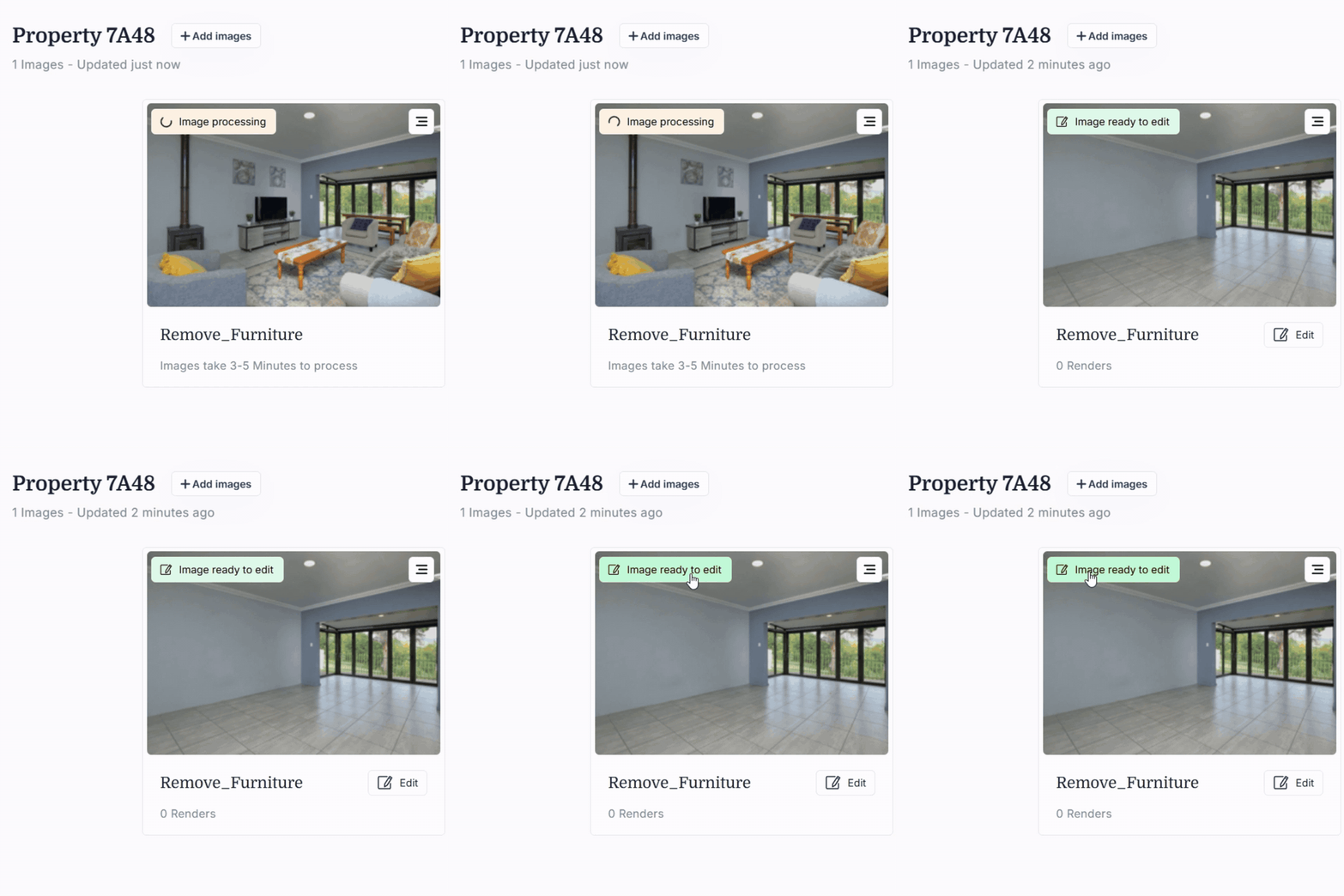
Zoom in and take a quick look:
We tested the popular AI furniture removal tools on the same room and compared the results side by side.
An empty room is a great start, but many buyers find it hard to picture living there. With Apply Design you can remove the furniture and stage the room again, all on the same photo.
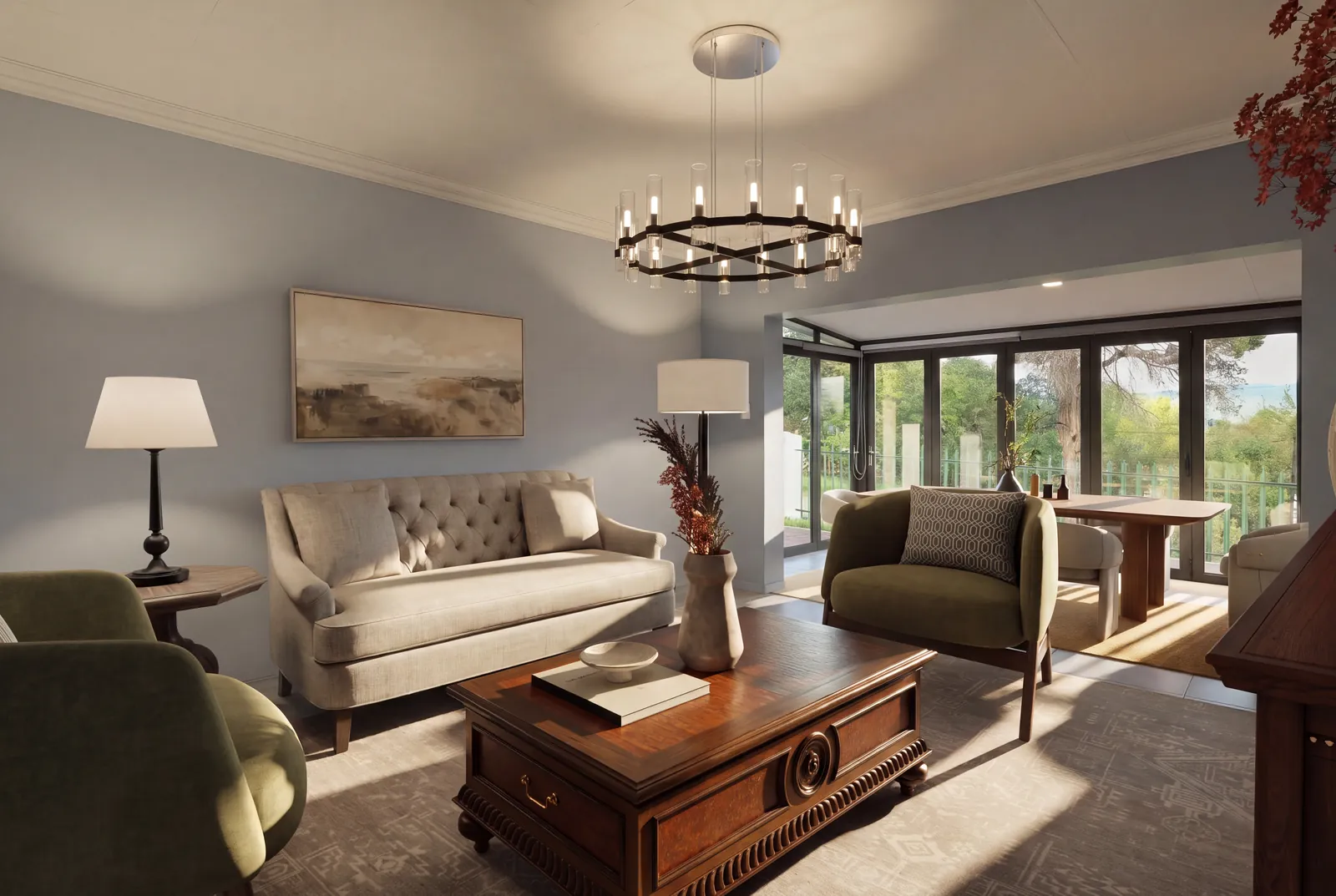
See how in our guide to virtually staging a room from a photo, or follow the Auto Stage steps in our help center.
Many MLSs ask you to say when listing photos have been digitally changed. Check your local rules.
Furniture removal is included with every image. No extra fee and no subscription. Each image costs about $7 to $10.50, depending on the package you choose.
You can try it for free first and see the result on your own photo.
Upload the photo to an AI furniture removal tool like Apply Design and choose Remove Items. The AI removes the furniture and rebuilds the floor and walls behind it.
Yes. The AI does the work, so you don't need Photoshop or any editing skills.
About 3 to 5 minutes per photo.
PNG, JPEG and JPG photos.
Yes. You can virtually stage the empty room on the same photo, in the style you want.
Yes. Apply Design has a free trial and no credit card is needed.